
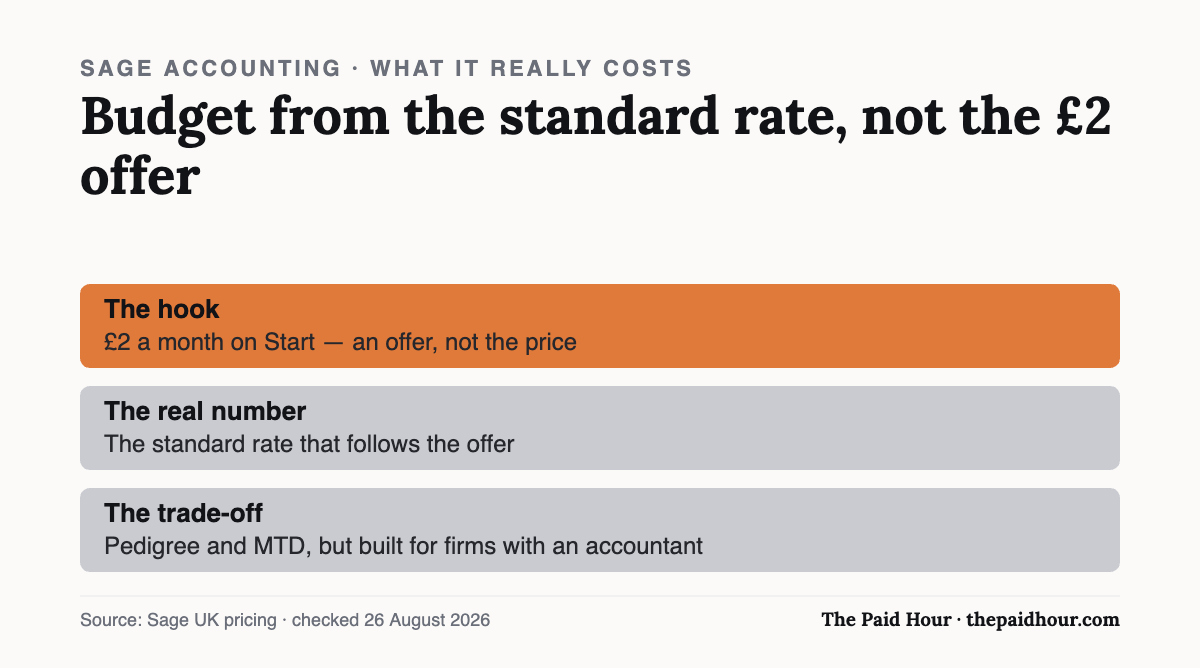
Quick answer: The £2-a-month Start offer is the hook; the real price is the standard rate that follows, so budget from that number. Sage’s strength is pedigree and MTD readiness. Its weakness for a one-person business is that it still feels built for firms with an accountant attached.
Sage has been selling accounting software since long before “cloud accounting” was a phrase anyone used, and that history cuts both ways. This Sage accounting review asks whether the entry-level Start plan still fits a one-person business, or whether the big-company roots show through in the price and interface. Sage is one of the oldest names in UK accounting software, it’s been around since long before “cloud accounting” was a phrase anyone used. That history is exactly why sole traders ask about it: is Sage still built for a one-person business, or has it stayed a big-company tool with a small-business price tag stuck on top?
Here’s what’s in the entry-level plan, and where it fits next to the software most freelancers already know.
What Sage Accounting’s Start plan includes
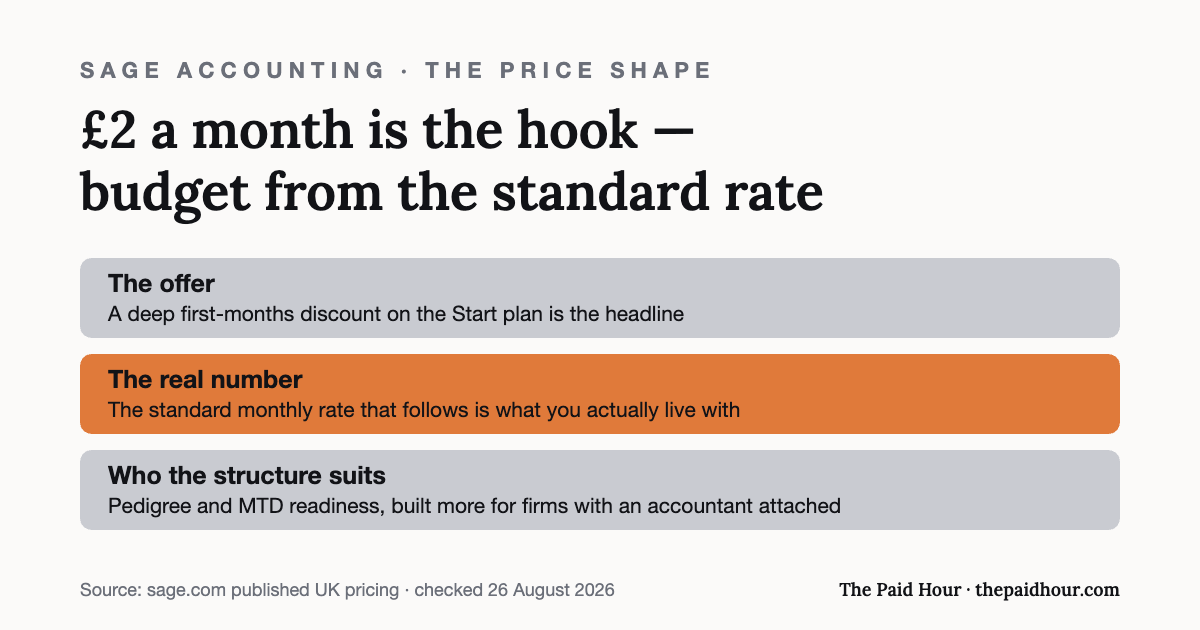
Sage’s cheapest tier is aimed squarely at sole traders and very small businesses. As of writing, it’s priced as an introductory offer. Currently around £2 a month (excluding VAT) for the first six months, reverting to roughly £20 a month after that. Sage runs pricing promotions fairly often, so treat the exact number as a snapshot and check the live page before you commit.
For that, you get:
- Unlimited sales invoices, sent and tracked from the app or browser
- Making Tax Digital (MTD) readiness, including VAT calculation and submission
- Bank transaction reconciliation
- Payroll for one employee included (extra staff cost a small per-person add-on)
- Self-serve digital payslips
- Sage Copilot, Sage’s built-in AI assistant, for things like chasing up transaction categorisation
- Phone support, which is unusual at this price point, most competitors push you to chat or email only
That payroll inclusion is the detail worth noticing. Most sole traders don’t employ anyone, so it won’t matter on day one, but if you’re a freelancer who’s about to take on your first part-time hire, it’s one less thing to bolt on later.
Where Sage Accounting fits against FreeAgent and Xero
If you’ve read our FreeAgent vs Xero comparison, you’ll know both of those are built with sole traders specifically in mind: FreeAgent in particular reads like it was designed by someone who’s filed a Self Assessment return. Sage’s interface feels a step more “business software” and a step less “freelancer app” — more menus, more configuration options, less hand-holding.
That’s not necessarily a downside. If you’re a sole trader who’s outgrowing spreadsheets and expects to eventually incorporate or take on staff, Sage’s extra structure won’t feel wasted the way it might in year one. If you just want the simplest possible route to a compliant MTD submission with nothing else to think about, FreeAgent or Zoho Books’ free tier will probably feel lighter.
Making Tax Digital for Income Tax
Sage’s MTD readiness matters more than it used to. From April 2026, sole traders with qualifying income over the relevant threshold are required to keep digital records and submit quarterly updates to HMRC under Making Tax Digital for Income Tax, check the current threshold and your own filing obligation on gov.uk rather than relying on any single article, since thresholds are staged in over several years. Any software you pick needs to support this, not just claim to.
The Honest Sage Accounting Review Verdict
What this means of this Sage accounting review: Sage Accounting is a solid, well-supported piece of software with real phone support and a fair intro price, the two things sole traders complain about most with other platforms. It’s not the most freelancer-native interface out there, and the promotional pricing means your real cost is the £20/month (plus VAT) rate once the offer ends rather than the headline £2. Budget for that from month one so it isn’t a surprise.
Worth a free trial if you want dependable phone support and think you might eventually need payroll or grow past a one-person setup. If you’re certain you’ll stay a simple sole trader indefinitely, it’s worth comparing against FreeAgent first.
Pricing shown is Sage’s current published rate at time of writing and excludes VAT, always check sage.com for the live offer before signing up.
Picking software, or fixing the one you have?
Digital Bookkeeping System (MTD-ready) 2026/27. Seven modules and a seven-sheet toolkit, built around a category-to-tax-box mapping table that makes your quarterly updates fill themselves.
- A software decision sheet costed over three years, split by turnover, VAT status and phone-or-desktop
- The chart of categories mapped to the Self Assessment and MTD boxes, and the three categories never to auto-categorise
- Weekly and month-end cards, an MTD quarter-close checklist, and an export-and-archive index so their cloud is never your only copy
Software is priced monthly, excluding VAT, and you will hold the subscription for years. Pick on the wrong number and the difference over three years is more than every course on this site combined.
Buying more than one? All ten 2026/27 courses for £107, against £328 at full price.
How this review was put together. This is a documentation-based review. The figures come from Sage’s own published pricing and help pages and, where relevant, HMRC’s software lists, checked on the date shown at the end of the article. It does not rest on a paid account or on running the product with live client data, and where a point comes from the provider’s marketing instead of something independently checkable, the text says so.
Sources
Reviewed 26 August 2026; prices are Sage’s own and move, check the linked pricing page before you buy. This is general information, not financial advice. Pricing and terms are the provider’s own and change, check the linked pages before you rely on them.