
QuickBooks is the accounting software name most people already recognise, and for a UK sole trader the question was never whether it is capable. It clearly is. The question is whether capable and built-for-someone-like-me are the same thing, and, since the UK line-up was renamed, whether the plan you are about to buy can do the job you are buying it for.
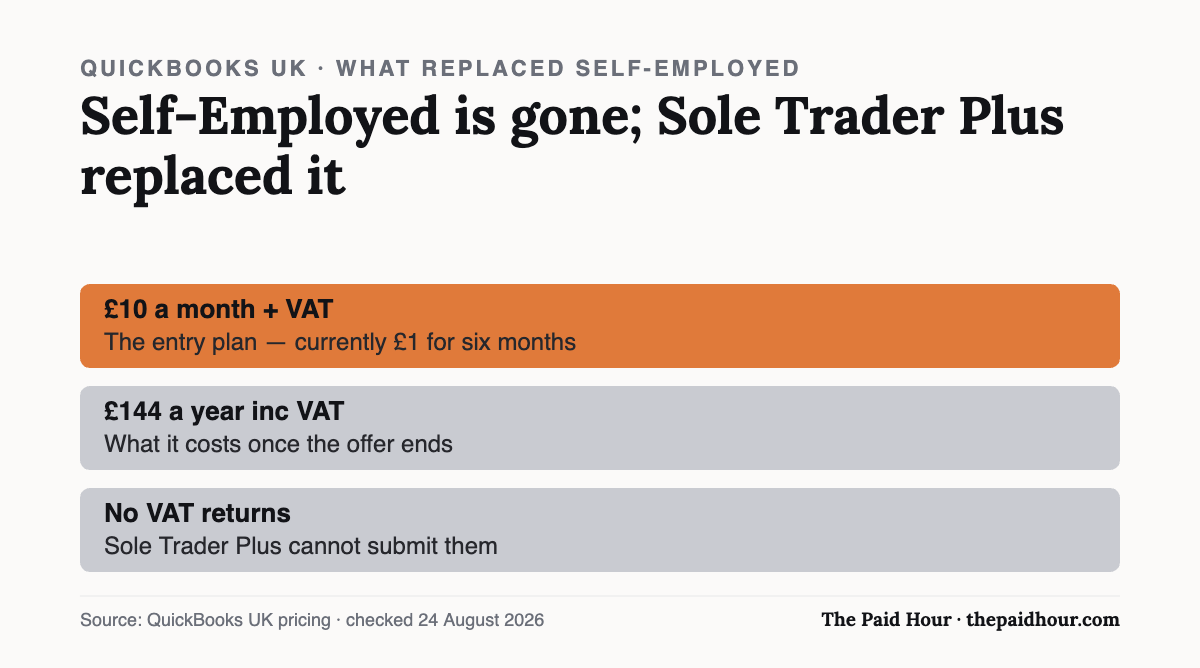
Straight answer: QuickBooks Self-Employed no longer exists in the UK, the entry plan is Sole Trader Plus at £10 a month plus VAT, currently £1 for six months. Two things the sign-up page will not tell you: it works out at £144 a year including VAT once the offer ends, and Sole Trader Plus cannot submit VAT returns: that needs Simple Start at £16 plus VAT.
Table of Contents
QuickBooks Self-Employed is gone
If you are searching for QuickBooks Self-Employed in the UK, that product name no longer appears anywhere on Intuit’s UK pricing. The entry-level plan aimed at one-person businesses is now called Sole Trader Plus, sitting below Simple Start, Essentials, Plus and Advanced.
That matters for two practical reasons. Older reviews and comparison tables still quoting Self-Employed pricing are describing something you cannot buy. And the feature split changed with the rename, most importantly around VAT, which is covered below.
The two UK plans aimed at sole traders
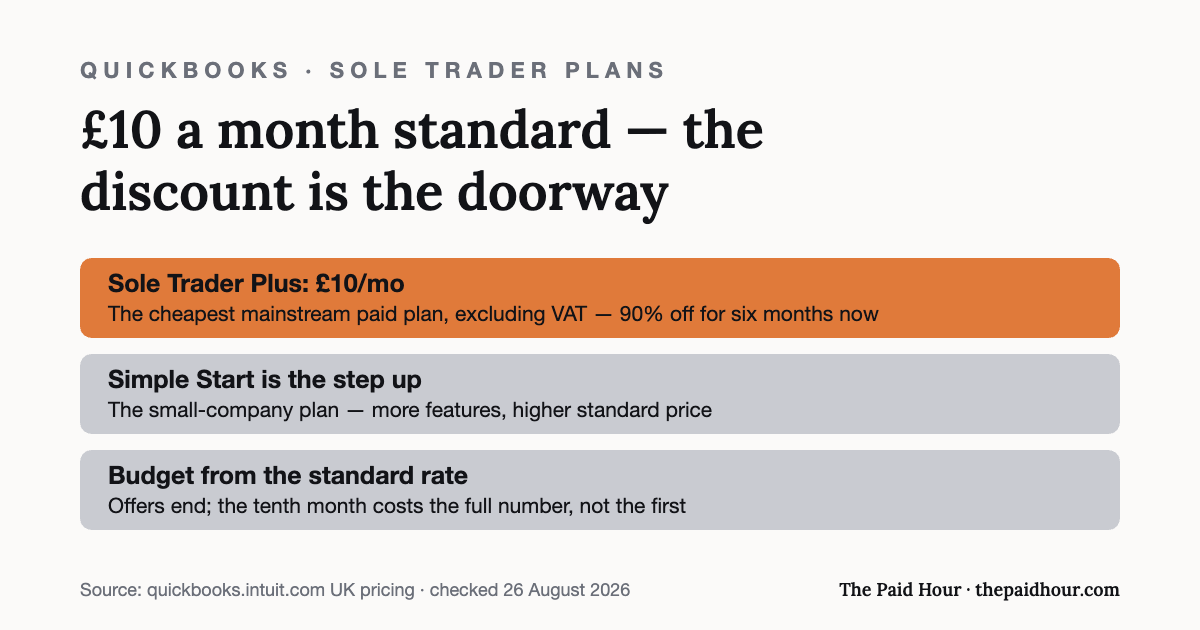
Everything on QuickBooks’ UK pricing page is quoted excluding VAT, the page says so explicitly, “All prices + VAT @20%”. These are the two tiers a sole trader would realistically consider:
| Plan | Standard | First 6 months | Users | VAT to HMRC |
|---|---|---|---|---|
| Sole Trader Plus | £10/mo + VAT | £1/mo | 1 + accountant | No |
| Simple Start | £16/mo + VAT | £1.60/mo | 1 + accountant | Yes |
| Essentials | £38/mo + VAT | £3.80/mo | 3 + accountant | Yes |
Both come with a 30-day free trial, no contract and no cancellation fee. Sole Trader Plus covers automatic transaction categorisation, receipt capture, mileage tracking, invoicing and payments, Self Assessment preparation and Making Tax Digital for Income Tax. Simple Start adds the VAT tooling, including a pre-file check before submission.
What it costs after the offer
Intuit is currently running 90% off for six months. That is a steep enough discount to distort the decision, so here is the arithmetic on a full year, including VAT at the standard rate, which a sole trader below the registration threshold cannot reclaim:
| Plan | Year one, ex VAT | Year one, inc VAT | Year two onwards, inc VAT |
|---|---|---|---|
| Sole Trader Plus | £66 | £79.20 | £144 |
| Simple Start | £105.60 | £126.72 | £230.40 |
So the real question is not whether £1 a month is worth it. It is whether £144 or £230 a year is worth it in year two, when the offer has gone and the software has your records in it. That is the number to compare against the alternatives, and it is the one the sign-up page does not put in front of you.
The VAT trap in the cheaper plan
The single most important thing to know before choosing Sole Trader Plus: it does not submit VAT returns to HMRC. QuickBooks’ own sole trader pricing page lists MTD VAT submission as available in Simple Start, Essentials, Plus and Advanced, and not in the Sole Trader plan.
If you are not VAT registered, that costs you nothing and Sole Trader Plus is the right tier. If you are registered, or your turnover is heading towards the £90,000 registration threshold, the plan you need is Simple Start: £16 a month plus VAT rather than £10. Budget from that number instead of the headline one, because registering for VAT mid-year and discovering your software cannot file is an avoidable kind of bad week.
Is it worth it over the free options?
This is the comparison most sole traders should actually be making. Zoho Books’ free plan covers invoicing, expenses, VAT returns and SA100 filing at £0 a year for a straightforward setup. QuickBooks costs £144 a year including VAT from month seven for broadly similar core functions.
Where QuickBooks earns the difference is depth rather than features: a wider set of third-party integrations, more mature mobile apps, and staffed phone and chat support, which free tiers do not offer. If you expect to grow (VAT registration, then staff, then more complexity), its higher tiers are a step up rather than a migration, and avoiding a re-platform later has real value.
If you are a straightforward sole trader under the VAT threshold with simple income and expenses, you may not need any of that. Try the free options first and let the free trial run alongside them, instead of assuming the market leader is the right fit for a one-person business.
Making Tax Digital readiness
QuickBooks markets itself as “HMRC recognised for Making Tax Digital” and lists “MTD for Income Tax ready” and MTD for Income Tax submission checks on the sole trader tier. Those are Intuit’s own claims on its own pricing page, and Intuit has a strong commercial incentive to keep them accurate, because MTD compliance is most of the reason sole traders buy accounting software in 2026 at all.
They are still vendor claims. Since 6 April 2026 the regime has applied to qualifying income over £50,000, dropping to £30,000 in April 2027 and £20,000 in April 2028. Check your own obligations and dates against HMRC directly, and confirm any product on HMRC’s recognised software list before you rely on it. Our quarterly deadline guide covers what you have to file and when.
The honest verdict
QuickBooks is a safe, well-supported choice if you expect your business to get more complicated, or if you specifically want support lines that are staffed. The software is not in question; it is clearly capable.
What is in question is fit. For a one-person business with straightforward books and no VAT registration, £144 a year buys polish and support you may never call on, when a free tier files the same return. Run the 30-day trial against Zoho Books’ free plan and FreeAgent or Xero side by side before the discount decides for you, and price it at year two, not month one.
Want month-end done in thirty minutes?
Digital Bookkeeping System (MTD-ready) 2026/27. Seven modules and a seven-sheet toolkit, built around a category-to-tax-box mapping table that makes your quarterly updates fill themselves.
- A software decision sheet costed over three years, split by turnover, VAT status and phone-or-desktop
- The chart of categories mapped to the Self Assessment and MTD boxes, and the three categories never to auto-categorise
- Weekly and month-end cards, an MTD quarter-close checklist, and an export-and-archive index so their cloud is never your only copy
Software is priced monthly, excluding VAT, and you will hold the subscription for years. Pick on the wrong number and the difference over three years is more than every course on this site combined.
Buying more than one? All ten 2026/27 courses for £107, against £328 at full price.
How this review was put together. This is a documentation-based review. The figures come from Intuit QuickBooks’s own published pricing and help pages and, where relevant, HMRC’s software lists, checked on the date shown at the end of the article. It does not rest on a paid account or on running the product with live client data, and where a point comes from the provider’s marketing rather than something independently checkable, the text says so.
Sources
- QuickBooks UK, pricing, plan names and the six-month offer
- QuickBooks UK: sole trader plans and which tiers submit VAT
- HMRC — Making Tax Digital for Income Tax
- HMRC, VAT registration thresholds
QuickBooks’ standard prices and current offer were read from its UK pricing page on 26 August 2026.
Prices, plan names and feature splits checked 24 August 2026 on QuickBooks’ own UK pricing pages, which state that all prices exclude VAT. Annual totals are calculated from those published prices with VAT at the standard rate added. MTD claims are Intuit’s own, confirm against HMRC’s recognised software list. This is general information, not tax advice.