
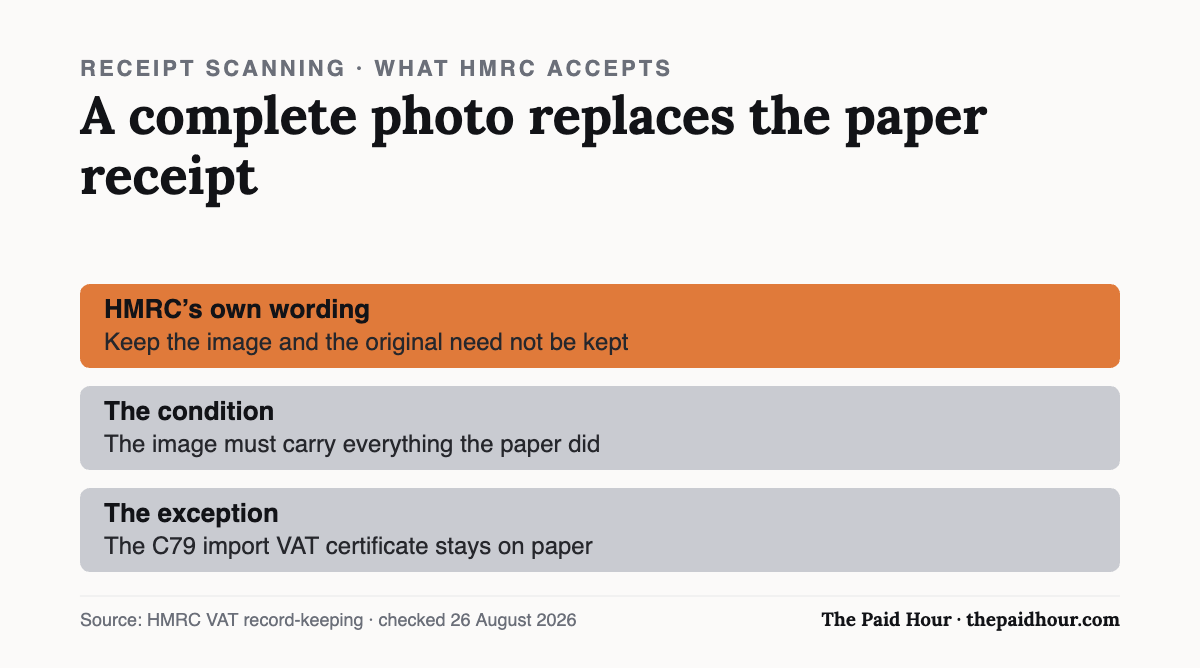
The short version: HMRC accepts a photo of a receipt in place of the paper original, as long as the image carries everything the paper did. HMRC’s own VAT guidance is explicit: if the image is retained and contains all the detail required, “the business does not need to keep the original invoice, unless it’s required for another purpose”. A handful of documents still have to be kept on paper, the C79 import VAT certificate among them.
A shoebox of fading thermal paper is a bad system and most freelancers know it. So the question is not whether receipt-scanning apps are useful. It is whether HMRC treats the photo as the record, or as a convenience copy of a record you are still supposed to be keeping.
It is the record. With conditions.
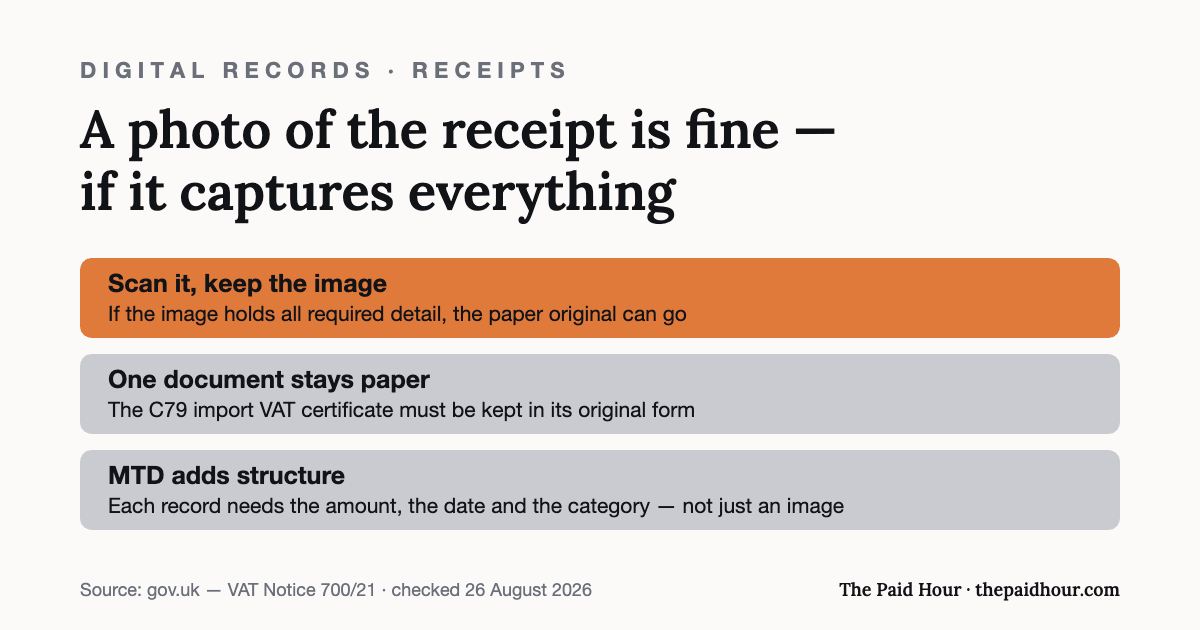
Does HMRC accept photos of receipts? Yes, if the image is complete
The clearest statement of this sits in VAT Notice 700/21, on record keeping. Where a business scans the invoices it receives, HMRC says that if the image is retained and contains all the detail required for VAT purposes, the original invoice does not need to be kept unless something else requires it.
Everything hangs on “all the detail required”. A photo that crops the total, blurs the date or loses the supplier’s name is not a record of that transaction, it is a picture of part of one. The paper original, meanwhile, has usually gone in the bin by the time anyone checks.
This is the one real argument for a dedicated scanning app over the phone camera: most will refuse a blurred or partial capture at the moment you take it, rather than letting a bad image sit in your records for four years.
The documents that still have to be paper
Digital does not cover everything. Some records must by law be kept and preserved in their original form, and HMRC names the C79 import VAT certificate specifically. If you import goods, that one stays in a drawer no matter how good your scanning workflow is.
The batching mistake
At the end of a busy week it is tempting to spread eight receipts across the kitchen table and take one photograph. Do not. Overlapping edges, receipts too small in frame to read back, a total tucked under the corner of the one above it, that is exactly the image that fails the “all the detail required” test, and you will not find out until someone asks.
One receipt, one image. It costs a few seconds each.
What a digital record has to contain under MTD
If you are inside Making Tax Digital for Income Tax, the image is only half of it. For each transaction the digital record has to hold the amount, the date the income was received or the expense incurred, and the category it belongs to.
Two easements are worth knowing. Retailers can record daily gross takings rather than every individual sale. Jointly let property can use one record per category per update period.
And one rule that goes wrong for a lot of people: once records have been included in a quarterly update, you must not manually move them within your software or across to other software. Which means picking your bookkeeping tool before the first update of the year instead of halfway through it. The list of HMRC-recognised MTD software is the place to start, and this guide covers who is in MTD and when.
How long the images have to survive
Longer than most people’s phone storage plans. As a sole trader you keep business records for at least five years after the 31 January submission deadline of the relevant tax year, so a 2025/26 return filed by 31 January 2027 means keeping the records until at least the end of January 2032. File a return more than four years late and the rule becomes 15 months from the date you sent it.
If you are VAT registered, the VAT records run to six years. The retention rules are set out in full in the guide to how long to keep business records.
Worth checking where an app stores the images before you rely on it. A free tier with a storage cap, or a subscription you cancel in 2028, is not a five-year archive. Export matters more than capture.
Receipts are not the whole of it
HMRC expects records of all sales and income, all business expenses, VAT records if you are registered, PAYE records if you employ anyone, and your personal income. The proof it lists includes receipts for goods and stock, bank statements and chequebook stubs, and sales invoices, till rolls and bank slips.
A scanning app handles one line of that list. Bank statements and invoices raised are usually the bigger gap, and no amount of neatly photographed coffee receipts closes it.
If the records are already gone
Lost, destroyed, or on a phone that went into a canal. HMRC’s position is that you must do your best to provide figures, and then tell it on the return which kind of figure you have used:
- Estimated: your best guess where you cannot provide the actual figure and never will be able to.
- Provisional: a temporary figure while you wait for the real one, which you then go back and correct.
Tick the right box. A provisional figure you never revisit is a different conversation with HMRC than an estimate you flagged honestly at the time.
A dedicated app, or the scanner already in your accounting software?
For most sole traders, the one already built into the accounting software wins, and it is not close. It attaches the image to the transaction as you go, so the receipt and the entry live together and the categorisation is done. A separate app leaves you two places to look and a matching job you will do badly in January.
The exception is volume. If you are photographing dozens of receipts a week, a dedicated tool with better capture and bulk handling earns its subscription. Below that, you are paying for a second inbox. Check whether receipt capture sits in the free tier or behind a paid plan before you decide, the guide to free accounting software for sole traders goes through which platforms include it.
Whichever you use, the app is not what makes you compliant. A legible image, kept for the full retention period, in a place you can still reach after the subscription ends, that is the record.
Picking software, or fixing the one you have?
Digital Bookkeeping System (MTD-ready) 2026/27. Seven modules and a seven-sheet toolkit, built around a category-to-tax-box mapping table that makes your quarterly updates fill themselves.
- A software decision sheet costed over three years, split by turnover, VAT status and phone-or-desktop
- The chart of categories mapped to the Self Assessment and MTD boxes, and the three categories never to auto-categorise
- Weekly and month-end cards, an MTD quarter-close checklist, and an export-and-archive index so their cloud is never your only copy
Software is priced monthly, excluding VAT, and you will hold the subscription for years. Pick on the wrong number and the difference over three years is more than every course on this site combined.
Buying more than one? All ten 2026/27 courses for £107, against £328 at full price.
Need this ready-made? → UK Sole Trader Expense Tracker (Excel), HMRC expense categories pre-built (£5.99, instant download)
Sources
- gov.uk: Record keeping for VAT (VAT Notice 700/21)
- gov.uk — Business records if you’re self-employed: how long to keep your records
- gov.uk, Business records if you’re self-employed: what records to keep
- gov.uk. Create digital records for Making Tax Digital for Income Tax
The record-keeping rules were re-checked against VAT Notice 700/21 on gov.uk on 26 August 2026.
Every rule above was checked against gov.uk on 25 August 2026. This is general information about HMRC’s record-keeping requirements, not tax advice. For your own circumstances, speak to an accountant or contact HMRC directly.