
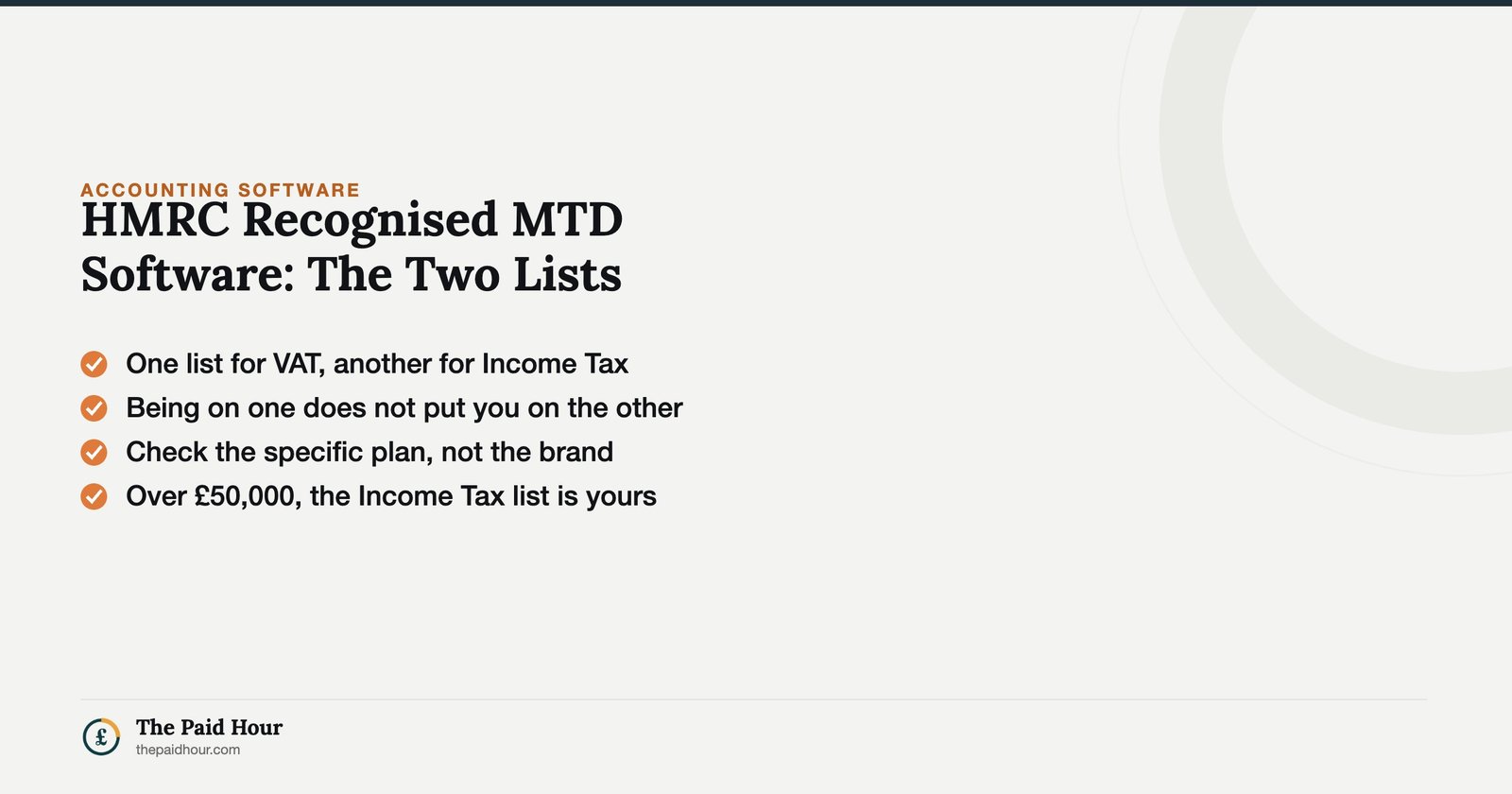
In short: HMRC keeps two separate software lists, one for MTD for VAT, one for MTD for Income Tax, and an app being on one does not put it on the other. Since 6 April 2026, sole traders over £50,000 are choosing from the Income Tax list whether they like it or not. Check the specific plan rather than the brand.
There isn’t one HMRC recognised MTD software list. There are two, they cover different taxes, and mixing them up is why so many sole traders end up unsure whether the accounting app they’re already paying for qualifies for anything.
It matters more than it used to. Making Tax Digital for Income Tax started for real on 6 April 2026, for anyone whose self-employment or property income was over £50,000 in the 2024 to 2025 tax year. If that’s you, you’re not choosing whether to use HMRC recognised MTD software anymore, you’re choosing which one, and the list is where that choice gets made.
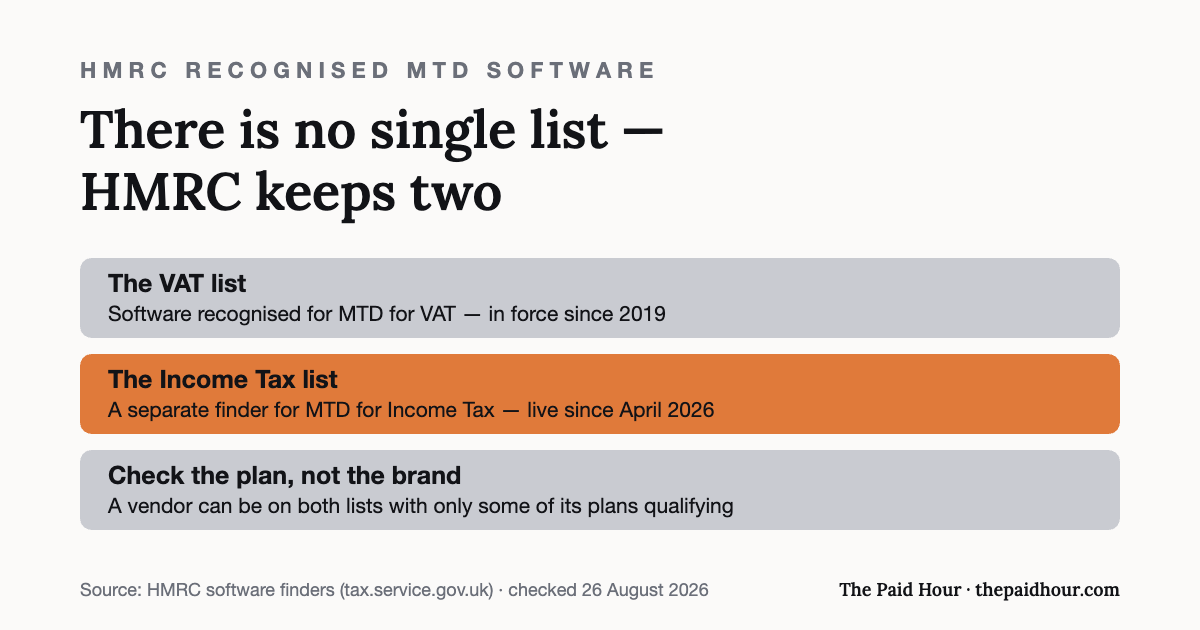
The two lists HMRC actually keeps
The VAT list has been running since 2019 and currently carries several hundred products. The Income Tax list is newer, smaller, and growing as more providers go through recognition ahead of the wider rollout. A product appearing on one doesn’t automatically mean it’s on the other: some VAT software providers haven’t built Income Tax functionality yet, and a few Income Tax specialists don’t handle VAT at all.
HMRC runs a separate finder for VAT-compatible software and a separate finder for Income Tax software. If you’re VAT-registered and about to join MTD for Income Tax as well, check both.
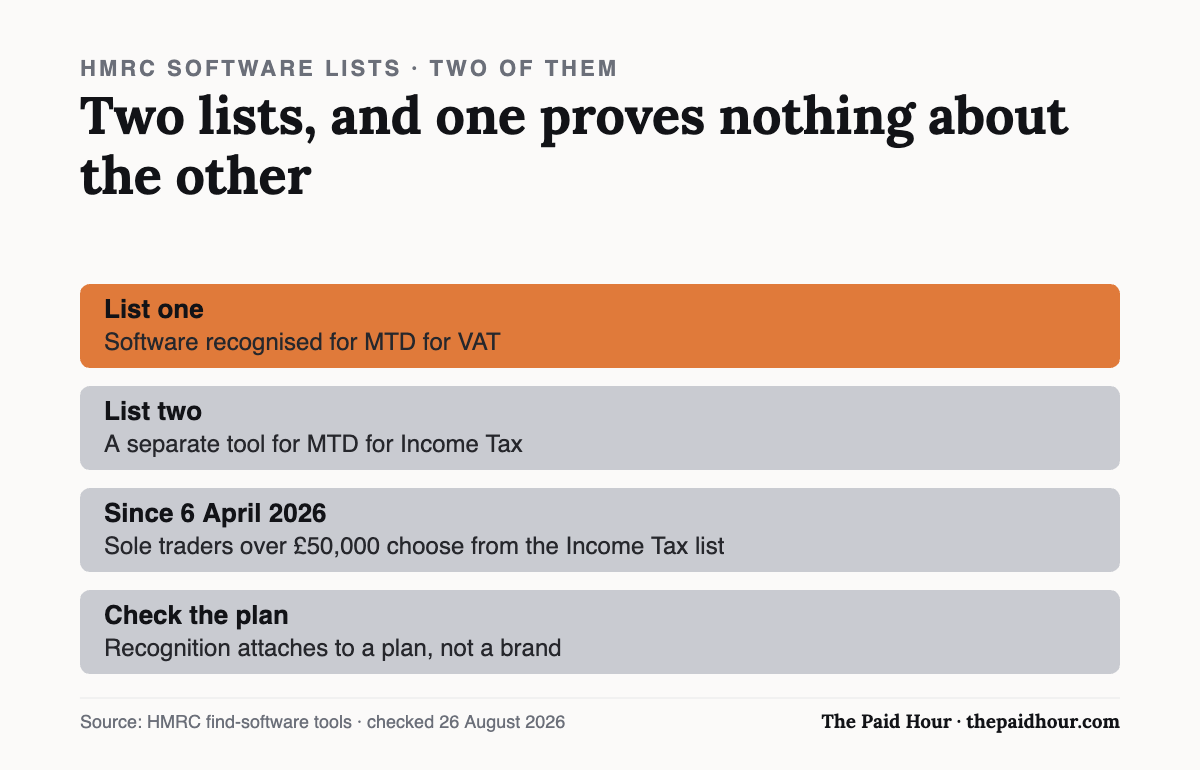
Plenty of sole traders assume their existing VAT software automatically covers the Income Tax side too, and it doesn’t unless that specific product has been separately recognised for both. Being on the HMRC recognised MTD software list for one obligation says nothing about the other, it’s a per-product, per-tax check, not a blanket pass.
Why HMRC bothers running a list at all
Making Tax Digital works on a direct machine-to-machine connection: your software talks to HMRC’s systems through an API instead of through a person uploading a form on a website. That only works safely if HMRC has already checked the software on the other end sends data in the right structure and authenticates properly. The HMRC recognised MTD software list is essentially the record of which products have passed that technical handshake.
It’s also, practically, the only way to know for certain. Provider websites say “MTD-ready” or “HMRC compatible” all the time, and most of them are telling the truth, but the claim itself isn’t verifiable from a marketing page. The list is the primary source. Everything else, including this article, is secondary to it.
What “recognised” means, and what it doesn’t
Recognition is a technical check rather than a quality endorsement. HMRC’s own guidance is blunt about this: “HMRC does not recommend any product or software provider.” Being on the HMRC recognised MTD software list means the product has proven it can connect to HMRC’s systems correctly — sending and receiving the right data in the right format, through the right API. It says nothing about how good the software is to use.
That distinction confuses a lot of people. A product can be clunky, badly supported, or overpriced and still be fully recognised, because recognition tests the plumbing, not the experience. Read reviews and compare features the normal way before you commit, the list only answers one question, and it’s the narrower one: can this thing legally talk to HMRC.
It’s also not a fixed, one-off badge. HMRC periodically reviews recognised products against the current technical spec, and a product that connected fine last year can fall out of step if HMRC changes requirements and the provider doesn’t keep pace. Being on the HMRC recognised MTD software list today is a snapshot rather than a guarantee about next year. Worth remembering if you’re the type to set software up once and never look at it again.
Full software vs bridging software — the short version
Recognised products come in two flavours. Full software creates and stores your digital records itself, bank feeds, receipt scanning, manual entry, the works. Bridging software does something narrower: it connects to records you’re already keeping somewhere else, usually a spreadsheet, and sends the required figures to HMRC without you retyping anything by hand.
Both count as HMRC recognised MTD software as long as the specific product has gone through recognition, bridging isn’t a lesser or unofficial route, whatever some older advice online implies. We’ve covered the bridging option in more depth in our guide to MTD bridging software, including when it makes sense over switching to a full package.
Who actually needs this right now
The rollout is staged by income, not by choice, and it’s already under way, which means the question of when you need HMRC recognised MTD software has a specific, individual answer instead of a general one:
| Qualifying income | Tax year it’s measured | MTD for Income Tax starts |
|---|---|---|
| Over £50,000 | 2024 to 2025 | 6 April 2026 (already live) |
| Over £30,000 | 2025 to 2026 | 6 April 2027 |
| Over £20,000 | 2026 to 2027 | 6 April 2028 |
“Qualifying income” means the gross total from self-employment and property income combined, before expenses, taken from your Self Assessment return for the relevant year, not your profit, and not just one source if you have both. HMRC’s guidance on who needs to join and when is worth checking directly if you’re near a threshold, since it’s based on figures you’ve already filed rather than an estimate.
Below £20,000, there’s no current mandation date: HMRC has said it will confirm plans for that group later, so if you’re comfortably under the threshold there’s no immediate need to pick HMRC recognised MTD software, though nothing stops you starting early if you’d rather get used to it gradually before it’s compulsory.
How to use the finder tool
HMRC’s software finder gives you three routes in, and which one suits you depends on where you’re starting from. The guided route asks a handful of questions about your income sources and how you want to keep records, then narrows the list down to products that fit. It’s the quickest option if you’re starting from nothing.
The full catalogue skips the questions and lets you filter directly, by price, by whether it handles property income alongside self-employment, by accessibility features, by language. Useful if you already have two or three products in mind and just want to confirm they count as HMRC recognised MTD software rather than assumed to be.
The third route is the one people miss: a straight compatibility check for software you already use, spreadsheets included. Type in what you’ve got, and it tells you whether it’s recognised as-is, recognised with a bridging add-on, or not currently on the HMRC recognised MTD software list at all. Do this before you assume you need to switch anything.
Whichever route you use, it’s worth bookmarking the result instead of trusting memory. The market moves. New products get added, a few drop off, and a screenshot or saved link from the day you checked is a useful thing to have if a provider’s status ever comes into question later, particularly right before a submission deadline when you don’t want to be re-researching from scratch.
Two people, two starting points
Nadia earns £58,000 a year from freelance design work and had been keeping records in a spreadsheet she’d built herself years ago. She ran it through the compatibility check expecting to be told to start over, instead she found a low-cost bridging product that plugged straight into her existing spreadsheet, so her actual record-keeping habits didn’t have to change at all.
Josh assumed the accounting app he’d used for two years was automatically covered, since it handled his VAT returns fine. It wasn’t on the Income Tax list yet: the provider was still going through recognition with no confirmed date. Rather than wait and risk missing his first quarterly update, he checked the finder tool, picked a second recognised product for the Income Tax side, and ran the two in parallel until his usual provider caught up.
Priya’s case was simpler but still nearly went wrong. She was £3,000 over the £50,000 threshold and had assumed, without checking, that the invoicing tool she used also counted as HMRC recognised MTD software because it had “tax” in its feature list. It didn’t — invoicing and tax submission are different functions, and plenty of billing tools have neither gone through nor need MTD recognition at all. She found this out with about six weeks to spare before her first quarterly update, which was tight but workable; finding out the week it was due would not have been.
What happens if your software isn’t recognised
This isn’t a paperwork technicality, it’s a hard block. Under Making Tax Digital, quarterly updates and the end-of-year submission have to go through recognised software’s connection to HMRC’s systems. There’s no manual online form sitting alongside it as a fallback the way there was under the old Self Assessment system. If your software can’t submit, you can’t submit, and that’s exactly the situation that leads to a missed deadline.
We’ve written separately about what happens if you miss an MTD for Income Tax deadline, including how the penalty points system works, worth reading if you’re anywhere near your first mandated quarter and haven’t confirmed your software yet.
Free options on the list
Recognition isn’t a paid-tier-only club. A handful of free products qualify as HMRC recognised MTD software, usually aimed at straightforward sole traders with a single income source and modest transaction volumes. Free tiers tend to cap out fast once you add invoicing, multiple income streams, or bank feed automation. Our roundup of what’s actually free in UK accounting software covers which ones hold up in practice and where the limits usually bite, and whether they’re recognised at all.
Mistakes that catch a lot of people
Treating the VAT list and the Income Tax list as one and the same is the most common mistake, and it’s an easy one to make since both sit under the same “Making Tax Digital” name. Check the specific list for the specific obligation you’re dealing with, not just the general term.
Assuming recognition is permanent is the second. Providers can lose recognised status, get acquired, rebrand, or wind down a product line, it’s happened before in this market. Re-checking a product’s status isn’t paranoid if you’re relying on it for something with a hard legal deadline attached; it’s a five-minute task worth doing once a year rather than once ever.
The third is picking software based on the list alone and nothing else. The list tells you what’s legally usable. It doesn’t tell you which one has decent customer support, works well on mobile, or won’t infuriate you every time a bank feed drops. Narrow down with the list, then choose the way you’d choose any other software, on how it feels to use.
A fourth, smaller one: assuming “in progress” means “close enough.” A number of well-known providers were still going through recognition for Income Tax at the time this was written, with no confirmed date. Signing up for a product on the strength of “they’ll definitely be recognised soon” isn’t the same as checking the HMRC recognised MTD software list and finding them on it today, if your first quarterly update is approaching, that gap matters.
Quick answers to the questions people ask
Does HMRC charge anything to be on the recognised MTD software list? Not to you directly, providers go through the recognition process themselves. Some pass costs on through subscription pricing, but there’s no separate fee for a sole trader simply choosing a recognised product over an unrecognised one.
Can I use more than one piece of recognised software at once? Yes, and it’s common during a transition, as with Josh’s example above. What matters is that every quarterly update and the final submission actually reach HMRC through a recognised connection, which product does the sending is largely up to you.
My spreadsheet isn’t on the list, does that mean I have to abandon it? No. Run it through the compatibility check first. Most spreadsheets can stay exactly as they are with a bridging product added on top, which is usually far less disruptive than switching to a full accounting platform you don’t need.
How often should I recheck that my software is still recognised? Once a year is reasonable for most people, plus a quick check any time a provider announces a rebrand, ownership change, or major product overhaul, those are the moments recognised status is most likely to have shifted underneath you.
Is being “MTD compatible” the same as being HMRC recognised MTD software? In practice, yes: providers use both phrases to mean the product has been through HMRC’s official recognition process. If a provider’s marketing claims compatibility but the product doesn’t appear on HMRC’s own list, that’s worth questioning before you sign up rather than after.
Do landlords need HMRC recognised MTD software too, or is this just for the self-employed? Both. The Income Tax thresholds count self-employment and property income together, so a landlord over the relevant threshold needs recognised software just as a sole trader does, plenty of products cover both income types in one place, but check that specifically instead of assuming.
What if I’m just under a threshold this year but expect to go over it next year? There’s no requirement to pre-empt it, since mandation is based on the income you’ve filed, not a forecast. Even so, plenty of people choose to start using HMRC recognised MTD software a year early anyway, purely so the first mandatory quarter isn’t also their first time using the system.
Does an accountant’s own software count if they’re filing on my behalf? Usually, yes, if your accountant or bookkeeper submits through their own recognised platform under an agent authorisation, that satisfies the requirement, and you don’t separately need your own HMRC recognised MTD software. Worth confirming this explicitly with them rather than assuming it, particularly if you also keep your own day-to-day records in something different.
Is there a penalty just for using unrecognised software, separate from missing a deadline? Not directly, the practical consequence is that unrecognised software simply can’t submit anything to HMRC through the required channel, which then risks the deadline itself. The penalty sits with the missed submission, not with the software choice in isolation, but one leads straight to the other if it’s left unchecked.
What to actually do before your next deadline
Work out which list applies to your situation, VAT, Income Tax, or both, and use HMRC’s own finder tool to check where you currently stand, rather than assuming. If you’re already over £50,000 in qualifying income, that check isn’t optional anymore; MTD for Income Tax started in April and the quarterly clock is already running.
Confirm your existing software’s status directly, don’t just trust marketing copy that says “MTD-ready.” A five-minute check against the HMRC recognised MTD software list now is considerably less stressful than discovering the gap the week a quarterly update is due.
If you’re not particularly technical about any of this
None of this requires understanding APIs, digital links, or how the recognition process works behind the scenes. The practical version is much shorter: open HMRC’s finder tool, put in what you currently use, and read the answer it gives you. That’s the entire task, and it takes a few minutes.
Where people get stuck isn’t the checking, it’s assuming they already know the answer without checking. A provider’s own claim that they’re building HMRC recognised MTD software, or that recognition is “coming soon,” isn’t the same thing as being on the list today. Treat anything short of an actual listing as not yet confirmed, however close the provider says they are.
If the answer comes back that your current setup isn’t recognised, that’s not a crisis: it’s useful information you now have time to act on. Most sole traders who find this out early switch, add a bridging tool, or pick a second product without much disruption, precisely because they weren’t up against a deadline when they found out. Finding out at the last minute is the version that actually causes problems.
Related: MTD bridging software, if you would rather keep the spreadsheet than move to full accounting software.
Nothing on either list says where the software has to run. That makes cloud versus desktop a cost decision instead of a compliance one, and the annual numbers are not where most people expect them to be.
Want month-end done in thirty minutes?
Digital Bookkeeping System (MTD-ready) 2026/27. Seven modules and a seven-sheet toolkit, built around a category-to-tax-box mapping table that makes your quarterly updates fill themselves.
- A software decision sheet costed over three years, split by turnover, VAT status and phone-or-desktop
- The chart of categories mapped to the Self Assessment and MTD boxes, and the three categories never to auto-categorise
- Weekly and month-end cards, an MTD quarter-close checklist, and an export-and-archive index so their cloud is never your only copy
Software is priced monthly, excluding VAT, and you will hold the subscription for years. Pick on the wrong number and the difference over three years is more than every course on this site combined.
Buying more than one? All ten 2026/27 courses for £107, against £328 at full price.
Sources
- HMRC — Find MTD for VAT compatible software
- HMRC, Find MTD for Income Tax software
- gov.uk. Who needs to use MTD for Income Tax, and when
Both finders are linked above; last verified 25 August 2026.
This is general information, not financial advice. Pricing and terms are the provider’s own and change, check the linked pages before you rely on them.