
Table of Contents
“Free” accounting software usually means free until you actually need it to do something, then the paywall appears. Zoho Books is the rare exception worth a proper look, because its free tier isn’t a stripped-down trial. It is a working plan with a real ceiling that most sole traders won’t hit for a long time. This review covers exactly what you get at £0 a month, what is missing, whether you can file your Self Assessment from it, and the point at which paying starts to make sense.
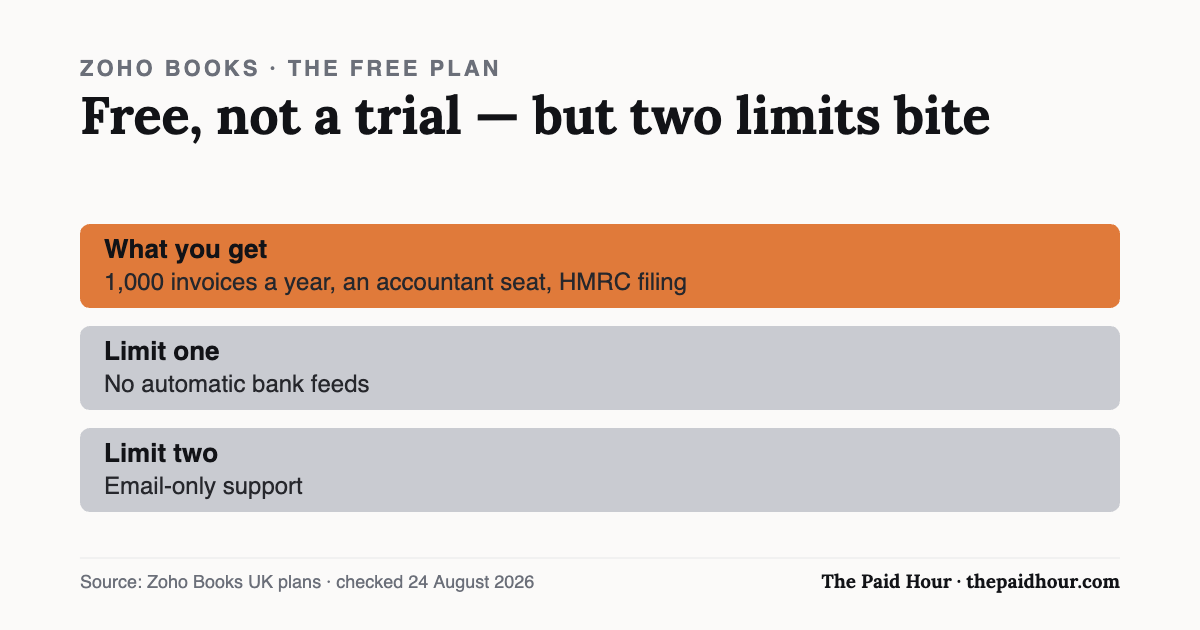
What matters here: Zoho Books’ free plan is free rather than a trial. You get up to 1,000 invoices a year, one user plus an accountant seat, and Self Assessment filing straight to HMRC. The two limits that bite are no automatic bank feeds and email-only support. If you are not VAT registered and your books are simple, it will do the job, the £10-a-month Standard plan is what you buy when reconciling by hand stops being worth the saving.
What’s in the free plan
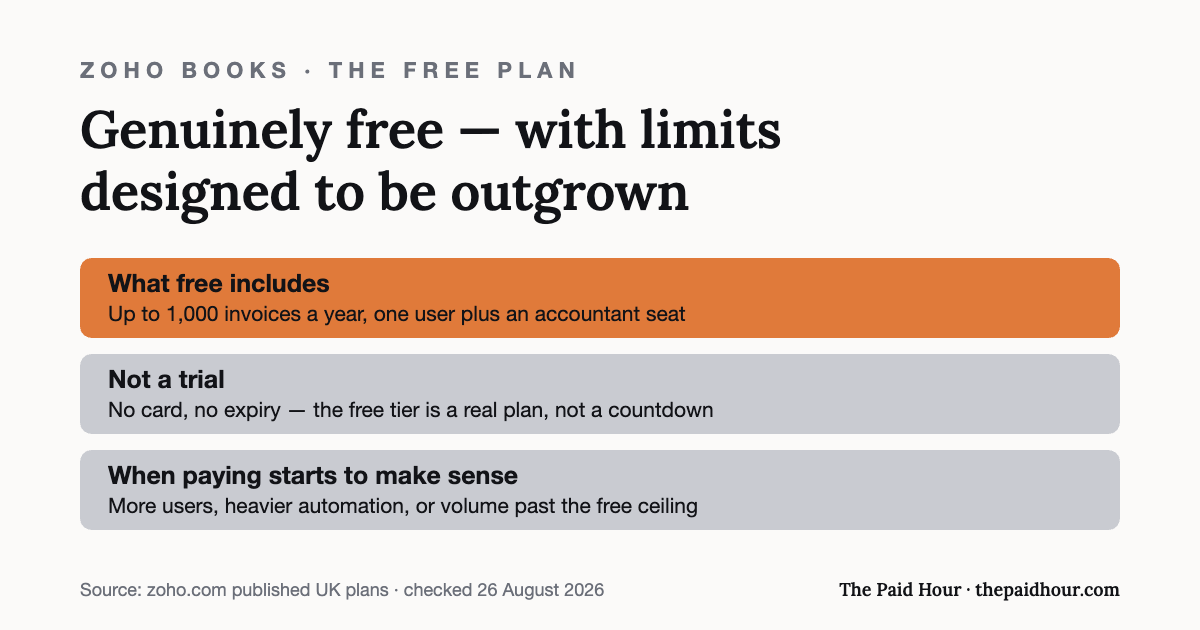
At £0 a month, the Zoho Books free tier currently includes:
- Preparing and filing your SA100 Self Assessment return with HMRC
- Making Tax Digital for Income Tax readiness
- Creating invoices, quotes, expenses and journals
- Receipt auto-scanning, capped at 50 scans a month
- Mileage tracking and simplified expenses records
- Accepting online payments
- Bank transaction reconciliation by import
- VAT returns and CIS contractor tracking
- Profit and loss, balance sheet and 50+ other reports
- 1 user plus 1 accountant seat
- Email support
- Up to 1,000 invoices a year
A thousand invoices a year is about 83 a month. Unless you bill very high volumes of small transactions, that is headroom you are unlikely to touch. The 50-scans-a-month receipt cap is the limit most people meet first, and it is the one Zoho does not put in its headline feature list.
What’s missing from the Zoho Books free tier
The free plan has no automatic bank feed. In practice that means downloading a statement from your bank and importing it, or entering transactions by hand, instead of having them arrive on their own through Open Banking. For a freelancer with twenty transactions a month it is a ten-minute job. For anyone running dozens of transactions a week across more than one account, it is the reason the free plan stops being free in the only currency that matters, which is your evening.
Support is email-only on the free tier. Phone and live chat start at Standard. That matters less in June than it does at 11pm on 31 January, which is worth thinking about before you build a full year of records on a plan you cannot ring anyone about.
There is also one user seat plus one accountant seat. If you want a bookkeeper and an accountant in the same file, or a partner who raises invoices, you are into the paid tier.
Can you file your tax return from it?
Yes, and this is the part that makes the free plan unusual. Zoho’s own documentation states that Self Assessment is available on all plans, free included. It generates the SA100 along with the supplementary pages it supports. SA103S for self-employment, SA102 for employment, SA105 for UK property and the SA110 tax calculation, and submits them to HMRC.
The limit is spelled out in the same documentation: if you have income that is not covered by those supported forms, you cannot file your return from Zoho Books at all. Check your own income mix against that list before you commit a year of records to it, because discovering the gap in January is an expensive way to learn it.
Making Tax Digital for Income Tax is a separate question. Since 6 April 2026, sole traders and landlords with qualifying income over £50,000 have had to keep digital records and send quarterly updates. Zoho markets Zoho Books as HMRC-recognised and ready for MTD for Income Tax, but its Self Assessment help page treats the quarterly-update flow as a different process from the SA100 filing flow. If MTD applies to you, confirm the current listing on HMRC’s own software finder rather than taking any vendor’s word for it, including this page.
What it really costs when you outgrow free
The next tier up is Standard, at £10 a month billed annually or £12 a month billed monthly. Zoho’s pricing page states that prices exclude local taxes, so UK VAT at the standard rate goes on top: £12 and £14.40 respectively as an actual bill. If you are not VAT registered you cannot reclaim any of it, so those are the numbers to compare against.
For that you get the invoice cap raised to 5,000 a year, a third user seat, automatic bank feeds, and email, phone and chat support. The bank feed is the one that changes how the software feels day to day; the rest is headroom you may never need.
How it compares to FreeAgent, Xero and Sage
Where this site’s FreeAgent vs Xero comparison is really a question of which paid tool to buy, Zoho Books changes the question: can a sole trader avoid paying for accounting software at all? For anyone with one income stream, modest invoice volume and no VAT registration, the honest answer is often yes.
That changes once you register for VAT, currently required when taxable turnover passes £90,000 on a rolling 12-month basis, or once you want bank feeds and a second pair of hands in the file. At that point Zoho’s Standard tier sits at the cheaper end of the UK market, and it is worth reading it against our Sage review and the wider software comparison rather than upgrading by default.
The honest Zoho Books free plan verdict
Zoho Books’ free plan is one of very few free accounting tools that is not quietly a trial. If you are a straightforward sole trader who has not registered for VAT and does not need live bank feeds, set it up before you pay for anything else: there is no cost to running it against your current spreadsheet for a month and seeing which one you actually open.
The moment your invoice volume, your VAT status or your need for someone to answer the phone grows, Standard is a small, predictable step instead of a full re-platform. That is the real argument for starting here: the exit is cheap, and so is staying.
Want month-end done in thirty minutes?
Digital Bookkeeping System (MTD-ready) 2026/27. Seven modules and a seven-sheet toolkit, built around a category-to-tax-box mapping table that makes your quarterly updates fill themselves.
- A software decision sheet costed over three years, split by turnover, VAT status and phone-or-desktop
- The chart of categories mapped to the Self Assessment and MTD boxes, and the three categories never to auto-categorise
- Weekly and month-end cards, an MTD quarter-close checklist, and an export-and-archive index so their cloud is never your only copy
Software is priced monthly, excluding VAT, and you will hold the subscription for years. Pick on the wrong number and the difference over three years is more than every course on this site combined.
Buying more than one? All ten 2026/27 courses for £107, against £328 at full price.
How this review was put together. This is a documentation-based review. The figures come from Zoho’s own published pricing and help pages and, where relevant, HMRC’s software lists, checked on the date shown at the end of the article. It does not rest on a paid account or on running the product with live client data, and where a point comes from the provider’s marketing rather than something independently checkable, the text says so.
Sources
- Zoho Books UK — pricing, plan limits and invoice caps
- Zoho Books help, Self Assessment, supported forms and plan availability
- Zoho Books. Self-employed accounting software and MTD claims
- HMRC, find software compatible with Making Tax Digital for Income Tax
- HMRC: VAT registration thresholds
Prices and plan limits checked 24 August 2026 and, where stated, exclude VAT. Claims about HMRC recognition and MTD readiness are Zoho’s own and are labelled as such, check HMRC’s software finder before relying on them. Providers change pricing and features without notice. This is general information, not financial or tax advice.