
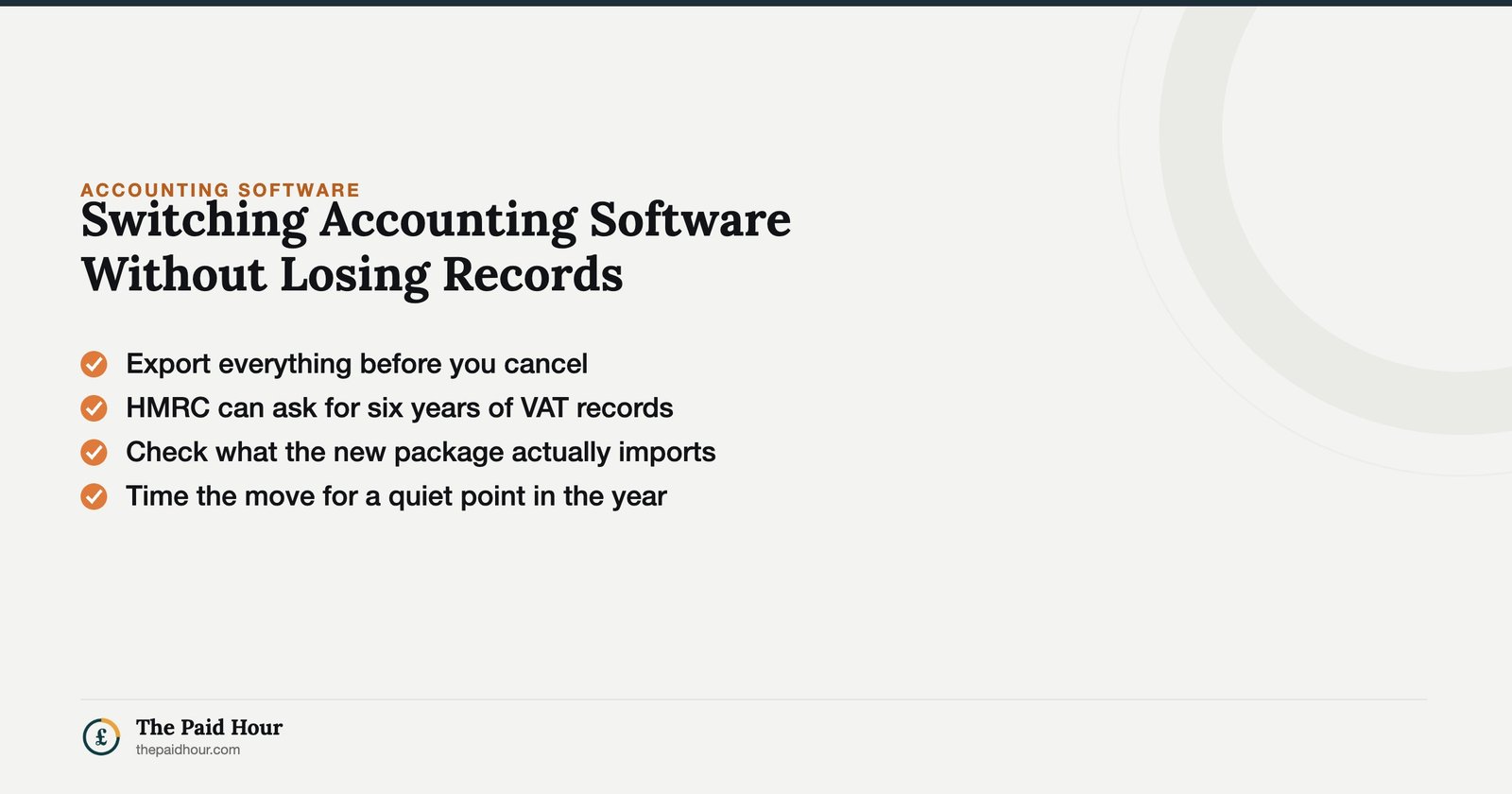
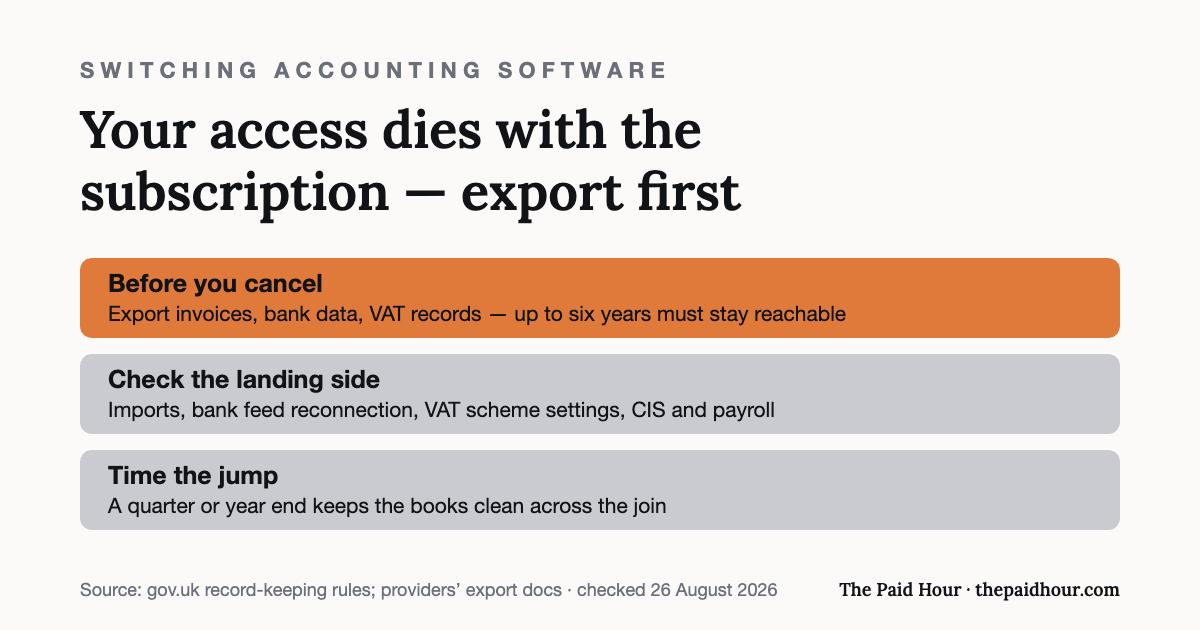
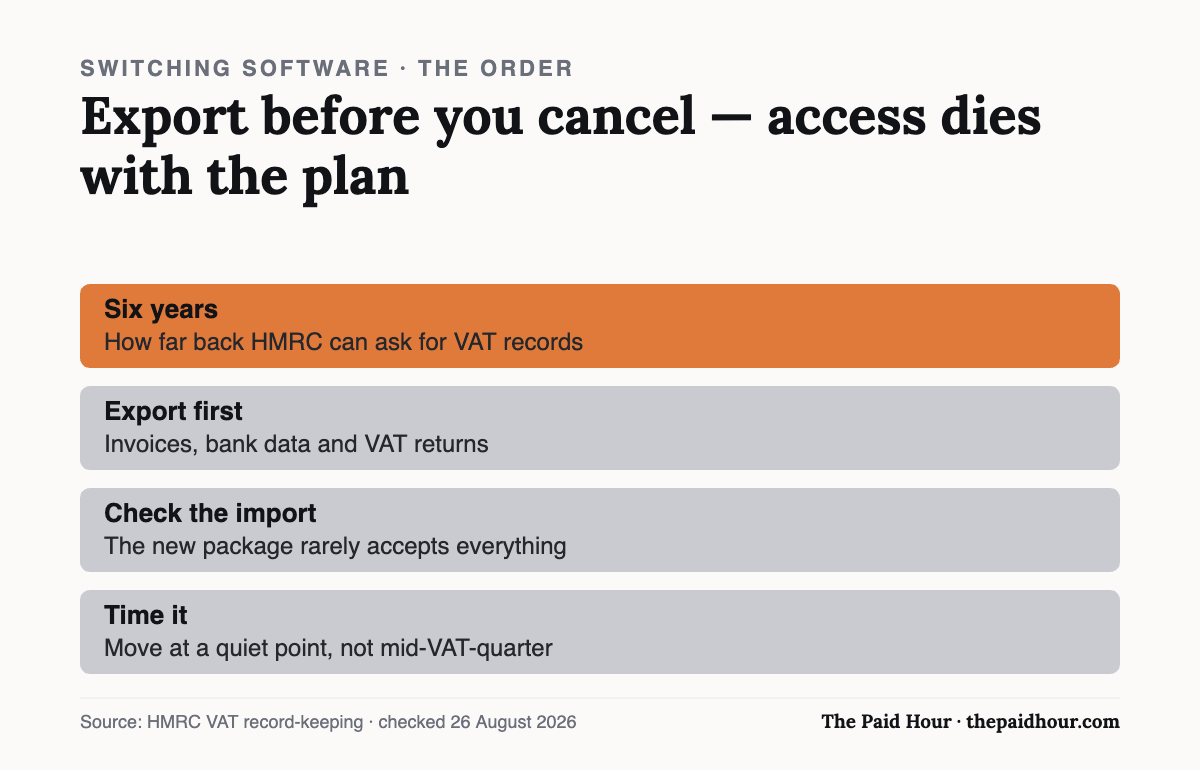
Straight answer: Switching accounting software is mostly a records problem. HMRC can ask for up to six years of VAT records, and your old subscription dies with your access, so export everything before you cancel, check what the new package imports, and time the move for a quiet point in the year.
Table of Contents
Six years. That’s how long HMRC expects you to be able to produce VAT records for if you’re VAT-registered, which matters more than most people realise the moment they’re switching accounting software, because “I moved providers three years ago and can’t find that invoice anymore” isn’t an answer HMRC will accept.
Switching accounting software isn’t difficult in itself. Most platforms are built to make it easy to leave, if anything, because they’d rather you switch to them than stay with a competitor forever. The actual risk is narrower and more specific: losing historical data, breaking continuity in your records, or, if you’re VAT-registered, accidentally falling foul of Making Tax Digital’s digital link rules during the move.
Why people end up switching accounting software
Price rises are the most common trigger. Several mainstream UK providers have increased subscription costs meaningfully over the past couple of years, and a sole trader paying for features they don’t use has an obvious incentive to look elsewhere. Outgrowing a package’s limits (VAT registration, multi-currency clients, needing payroll built in) is the second most common reason, alongside simply finding the interface frustrating enough, day after day, that the switching cost starts to feel worth it.
Whatever the reason, the mechanics of switching accounting software are broadly the same regardless of which two platforms are involved, export, verify, set an opening position in the new system, and only then let the old one go.
None of that is complicated on its own. The mistakes that cause problems almost always come from skipping a step to save time, not from the process itself being difficult.
Export everything before switching accounting software
The single most important step in switching accounting software is exporting a full copy of your data before you cancel anything or let a subscription lapse. Most platforms offer a bulk export, usually CSV files covering invoices, bills, contacts, bank transactions and attachments, accessible from account or data settings. Do this even if you’re confident the new platform can import directly from the old one, because that direct import doesn’t always cover everything, and having your own backup means you’re never dependent on either company’s servers to prove your own financial history.
Download attachments separately if the platform allows it: original receipts and invoice PDFs specifically, not only the transaction records referencing them. A CSV row that says “£340, office supplies” is much less useful without the receipt behind it if HMRC ever asks a question about that expense years later.
The Making Tax Digital catch, if you’re VAT-registered
If you’re VAT-registered and filing under Making Tax Digital, switching accounting software brushes up against a specific rule to be aware of: the digital links requirement. HMRC’s own VAT Notice 700/22 defines a digital link as a transfer of data between software that happens electronically, without manual retyping, and it’s explicit that cutting and pasting figures between systems doesn’t count as a digital link, even though it feels like an electronic action.
The good news: HMRC’s guidance specifically confirms that exporting a data file from one platform and importing it into another — by CSV, XML, or a direct file transfer, does count as a compliant digital link. The rule isn’t there to stop you switching accounting software; it’s there to stop the specific practice of manually retyping VAT figures by hand between systems, which is what breaks the audit trail Making Tax Digital is designed to preserve.
Practically, that means: use the export/import route rather than manually re-entering historical VAT figures into the new software, and keep the exported files themselves as part of your digital record trail, not just a mental note that “the data’s in there somewhere now.”
Decide what actually needs to move, and what doesn’t
Not everything needs to be imported into the new platform to stay compliant. A common, sensible approach when switching accounting software is to bring across a trial balance or opening balances as of the switch date, rather than re-importing years of individual historical transactions into software that will now run your books going forward. The old platform’s export, kept safely, ideally in more than one place, remains the record for anything before that date.
Trying to migrate every transaction from day one of the business is usually more effort than it’s worth, and increases the chance of something being duplicated, miscategorised, or dropped in the process. A clean opening balance plus a safely archived export of the old system tends to be both simpler and more reliable.
Two examples that show the difference in approach
Farida had been on one platform for eighteen months and was switching accounting software mainly over price. She exported everything, imported an opening trial balance into the new platform dated 1 April, and kept the full historical export in a labelled folder in cloud storage. Her new software’s books are clean from day one, and if HMRC ever asks about something from before the switch, the original export answers it.
Callum tried to import four years of individual transactions into his new platform to avoid keeping two systems’ worth of records around. Half the categorisation came through wrong because the two platforms used different expense categories that didn’t map cleanly, and he spent most of a weekend manually correcting entries that would have taken no effort at all if he’d just kept the old export as reference and started the new platform with a clean opening balance instead.
What to check before you commit to the new platform
Before switching accounting software for good, confirm the new platform supports the import format your old one exports in. Most speak CSV, but bank feed reconnection, VAT scheme settings, and any Construction Industry Scheme or payroll features you rely on don’t always transfer automatically and may need setting up fresh. It’s worth doing this check before cancelling the old subscription instead of after, in case something doesn’t line up the way you expected.
If you’re currently on a free plan or considering one for the new platform, our guide to what’s free in UK accounting software is worth checking alongside this, since free tiers often cap the transaction volume or history a new account can hold.
Mistakes that turn switching accounting software into a mess
Cancelling the old subscription before confirming the export actually worked is the single biggest one, check the exported files open correctly and contain what you expect before that account disappears for good rather than after. Some providers delete data permanently a set period after cancellation, and there’s often no way back once that window closes.
Manually retyping VAT figures rather than using an export/import is the second, and it’s the one with actual regulatory weight behind it if you’re VAT-registered under Making Tax Digital, not just a convenience issue, but a compliance one per HMRC’s own digital links guidance above.
The third is forgetting about connected apps and integrations (payment processors, e-commerce platforms, time-tracking tools), that were feeding data into the old software and need reconnecting to the new one separately. It’s easy to switch the core accounting platform and only notice weeks later that invoices from a connected app stopped syncing anywhere.
Timing the switch to avoid a messy overlap
The cleanest point to be switching accounting software is right at the start of a new accounting period: the beginning of your tax year, or the start of a new VAT quarter if you’re VAT-registered. Doing it mid-quarter isn’t fatal, but it does mean splitting a single VAT period’s transactions across two systems, which makes both the return itself and any later query about that period more fiddly than it needs to be.
If a price rise or a frustrating bug pushes you to switch mid-period anyway, it’s still manageable, just be extra careful that the opening balance you set in the new platform accurately reflects everything up to the switch date, including any transactions still sitting in the old system that haven’t been reconciled yet. A transaction that falls through the gap between the two platforms is the most common way sole traders end up with a VAT return that doesn’t quite balance.
Keeping the old export findable, not only backed up
A backup that nobody can find three years later isn’t much better than no backup at all. Once you’ve finished switching accounting software, label the exported files clearly. Something like the old platform’s name and the date range covered, and store them somewhere you’ll remember, alongside your other business records instead of buried in a generic downloads folder.
Note the retention period this backup needs to survive: for most self-employed records, that’s at least 5 years after the 31 January submission deadline for the relevant tax year, and for VAT records specifically, HMRC’s own manual sets a 6-year retention period. An old accounting platform export sitting untouched in cloud storage for that long is a perfectly reasonable way to satisfy that requirement, it just needs to still be readable and findable when the time comes.
Quick answers to the questions people ask
Do I need an accountant to help with switching accounting software? Not necessarily, for a straightforward sole trader with modest transaction volumes. It becomes more worth considering if you’re VAT-registered with a longer trading history, or the two platforms handle CIS, payroll, or multi-currency differently enough that a manual check makes sense.
How long should I keep access to the old software after switching? Long enough to confirm the export is complete and usable: a month is reasonable for most people, though check whether your old plan lets you keep read-only access at a lower cost rather than a full cancellation, which some providers offer.
What if the old platform doesn’t offer a proper export? This is rare among mainstream UK providers but worth checking before you sign up for anything, precisely because of this risk. If it happens, screenshots and manually compiled records are a last resort, not a first choice, and worth escalating to the provider’s support team directly, since data portability is generally expected of any serious accounting platform.
Does switching accounting software reset my Making Tax Digital sign-up? No — your MTD registration is tied to you and your VAT number with HMRC, not to a specific piece of software. You’ll need to authorise the new software to connect to HMRC’s systems, but the underlying registration carries over.
Will switching accounting software affect an accountant or bookkeeper I work with? It’s worth telling them before you start rather than after, they may have their own login, their own preferred export format, or specific historical reports they rely on that are easier to pull from the old platform while it’s still active.
Is there a “best time of year” beyond the start of a VAT quarter? For non-VAT-registered sole traders, the start of a new tax year on 6 April is the closest equivalent, it keeps a full tax year’s figures in one system instead of split across two, which makes preparing that year’s Self Assessment noticeably simpler.
What a good migration actually looks like end to end
Pulling the whole process together: export first, and check the files before doing anything else. Set an opening trial balance in the new platform dated to a sensible cut-off, rather than re-importing years of individual transactions. Reconnect bank feeds and any third-party apps separately, since they rarely carry over automatically. Keep the old export somewhere labelled and findable for as long as HMRC could reasonably ask about that period: 5 years for general self-employment records, 6 for VAT.
Only once all of that is confirmed working should the old subscription be cancelled. Rushing that last step is where switching accounting software goes from “a few hours of careful admin” to “a genuine problem,” almost always because the export turned out to be incomplete and nobody checked before the account disappeared.
What to do before switching accounting software
Export everything from the old platform first, confirm the files open and look complete, set an opening balance in the new platform rather than re-importing years of transactions, and, if you’re VAT-registered, use the export/import route instead of retyping figures by hand. Only cancel the old subscription once all of that is done and checked rather than before.
Done in that order, switching accounting software is a few hours of careful admin rather than a genuine risk to your records, and the six years of history HMRC might eventually ask about stays intact either way.
Switching to a service with an accountant bundled in changes the checklist a little: the Crunch review covers that model.
Picking software, or fixing the one you have?
Digital Bookkeeping System (MTD-ready) 2026/27. Seven modules and a seven-sheet toolkit, built around a category-to-tax-box mapping table that makes your quarterly updates fill themselves.
- A software decision sheet costed over three years, split by turnover, VAT status and phone-or-desktop
- The chart of categories mapped to the Self Assessment and MTD boxes, and the three categories never to auto-categorise
- Weekly and month-end cards, an MTD quarter-close checklist, and an export-and-archive index so their cloud is never your only copy
Software is priced monthly, excluding VAT, and you will hold the subscription for years. Pick on the wrong number and the difference over three years is more than every course on this site combined.
Buying more than one? All ten 2026/27 courses for £107, against £328 at full price.
Sources
- gov.uk, VAT Notice 700/22 (Making Tax Digital for VAT)
- gov.uk. How long to keep your records
- HMRC Compliance Handbook, CH15100 (VAT record retention)
This is general information, not financial advice. Pricing and terms are the provider’s own and change, check the linked pages before you rely on them.