
Straight answer: Bridging software lets you keep your books in a spreadsheet and still file under Making Tax Digital, it connects the sheet to HMRC instead of replacing it. The rule that catches people is the digital link: the numbers have to move between your records and your submission electronically. HMRC is explicit that manual transfer, including copy and paste, “is not acceptable under Making Tax Digital”, even when every figure is correct.
MTD bridging software explained simply: it exists for one specific reason: so freelancers who keep records in a spreadsheet don’t have to abandon that spreadsheet just to comply with Making Tax Digital. It’s a useful middle option between “buy full accounting software” and “do nothing and fall out of compliance”, but it comes with one rule that causes the most mistakes.
What bridging software does
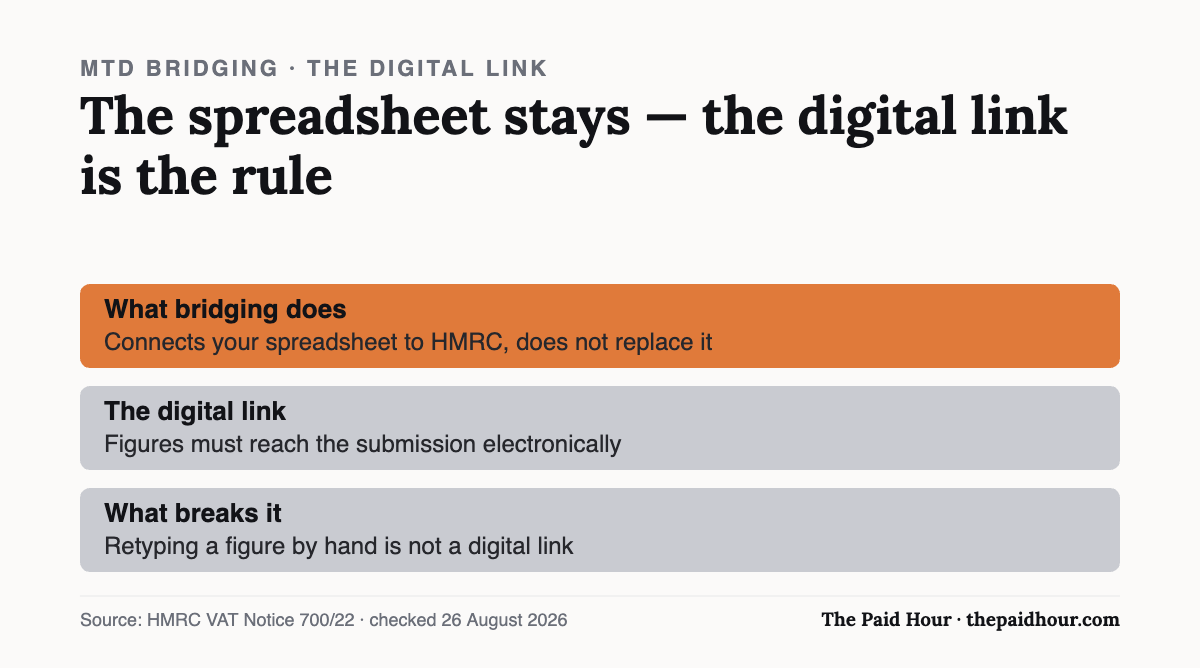
Bridging software connects a spreadsheet to HMRC so the totals in your spreadsheet can be submitted as MTD updates, without you re-entering anything into a separate accounting platform. It applies to both MTD for VAT (already in force) and MTD for Income Tax, which is being phased in for self-employed people and landlords in three waves: qualifying income over £50,000 from 6 April 2026, over £30,000 from 6 April 2027, and over £20,000 from 6 April 2028. If you’re comfortable running your bookkeeping in a spreadsheet and don’t want to relearn a new piece of software, bridging software is what makes that legally workable under MTD.
MTD bridging software explained: the digital links rule
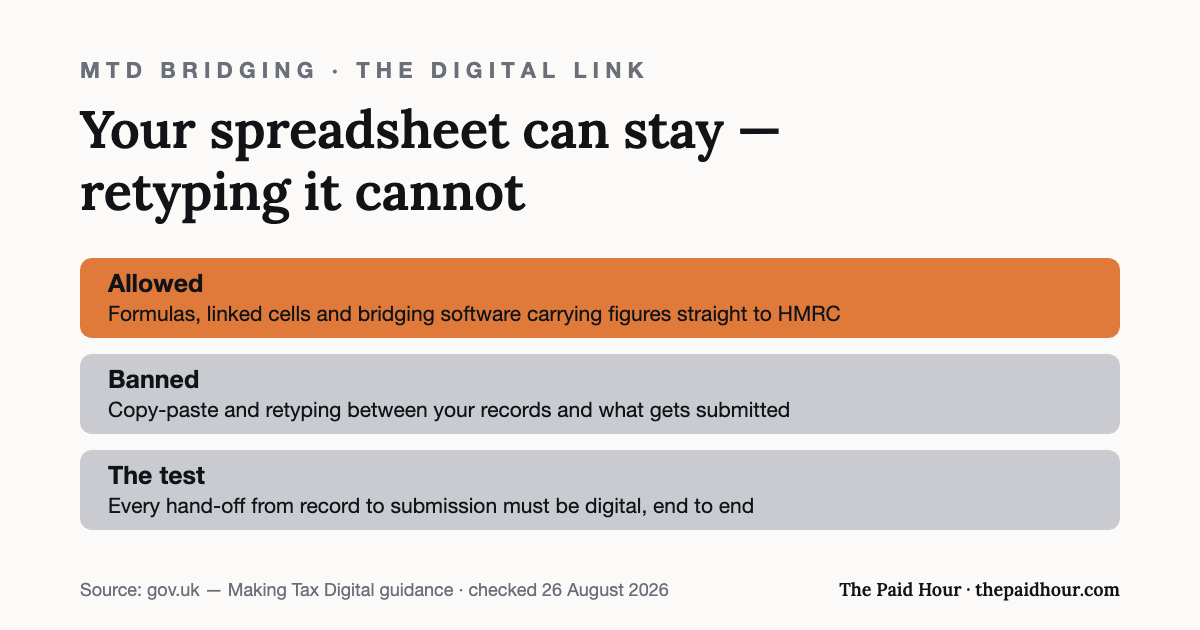
This is the part worth understanding properly. HMRC requires that data move between your records and your submission through a “digital link”. Meaning the numbers have to flow automatically rather than get manually copied and retyped from one place to another. In practice, a formula that pulls figures from one spreadsheet into another (or into the bridging tool) counts as a digital link. Manually typing a total from your bookkeeping spreadsheet into a separate submission spreadsheet does not, even if the number itself is correct, the process of getting it there breaks the digital-link requirement.
This matters because it’s an easy rule to accidentally break without realising. If your “digital record-keeping” is a spreadsheet you update automatically, then a second spreadsheet you manually retype numbers into before submitting, you’re not compliant, even though every figure is accurate.
What bridging software doesn’t do
Bridging software is a connector rather than a full bookkeeping system. It doesn’t fulfil your entire MTD record-keeping obligation on its own, you still need to actually keep proper digital records (in the spreadsheet or wherever) that the bridging software then submits. It’s best thought of as a stop-gap that lets an existing spreadsheet-based workflow satisfy the submission requirement, not a replacement for keeping organised records in the first place.
Because bridging software is a submission tool instead of a record-keeping one, the separate question is how you’re capturing receipts and expenses digitally in the first place. See our guide on receipt-scanning apps and HMRC’s digital records rules if you’re still relying on paper receipts or a shoebox folder.
A worked example
Say a freelance photographer tracks income and expenses in a Google Sheet, split by month. Under MTD for Income Tax, she can keep using that exact sheet as her digital record, as long as a bridging tool pulls the quarterly totals straight from the sheet’s cells via a live connection or formula, then submits them to HMRC. What she can’t do is open the sheet, manually type the quarter’s total into a separate submission form or a different spreadsheet, and send that instead, even though the number would be identical, that manual re-entry step breaks the digital link HMRC requires.
The shortlist is shorter than it first looks. HMRC publishes its own list of software that is compatible with Making Tax Digital for Income Tax, and it flags exactly this category: software that “will connect to existing records kept in spreadsheets or other accounting tools”, which it says is “sometimes referred to as bridging software”. Filter that list for spreadsheet-native tools rather than full accounting suites with a bridging feature bolted on, and check it again before you commit: only software on HMRC’s recognised MTD software list can file on your behalf, and the line-up changes.
When it makes sense vs when it doesn’t
- Makes sense if your bookkeeping is already simple and spreadsheet-based, and you want to delay switching systems rather than reorganise your whole workflow around new software.
- Starts to make less sense once your business has more moving parts (multiple income streams, VAT registration on top of Income Tax MTD, or subcontractors to track), where dedicated accounting software’s automation saves more time than a bridging tool does.
The remaining decision is really about growth: see our guide on free accounting software for sole traders if you’re weighing bridging software against switching to a dedicated tool — several free options exist, though most reserve full MTD filing for a paid tier.
Bridging exists so you can keep records where they already are, which is also the case people make for desktop packages. We put the two side by side in cloud vs desktop accounting software, and what each costs a sole trader.
Want month-end done in thirty minutes?
Digital Bookkeeping System (MTD-ready) 2026/27. Seven modules and a seven-sheet toolkit, built around a category-to-tax-box mapping table that makes your quarterly updates fill themselves.
- A software decision sheet costed over three years, split by turnover, VAT status and phone-or-desktop
- The chart of categories mapped to the Self Assessment and MTD boxes, and the three categories never to auto-categorise
- Weekly and month-end cards, an MTD quarter-close checklist, and an export-and-archive index so their cloud is never your only copy
Software is priced monthly, excluding VAT, and you will hold the subscription for years. Pick on the wrong number and the difference over three years is more than every course on this site combined.
Buying more than one? All ten 2026/27 courses for £107, against £328 at full price.
Sources
- HMRC, VAT Notice 700/22: Making Tax Digital for VAT (definition of a digital link; bridging software)
- GOV.UK. Find software that is compatible with Making Tax Digital for Income Tax
- GOV.UK, Check if you are eligible for Making Tax Digital for Income Tax (£50,000 / £30,000 / £20,000 thresholds)
- GOV.UK: Use Making Tax Digital for Income Tax
The digital-link requirement was re-checked against gov.uk on 26 August 2026.
Checked against gov.uk on 25 August 2026. General information, not tax advice, before you rely on any particular tool for a filing, check it against HMRC’s own compatible-software list.