
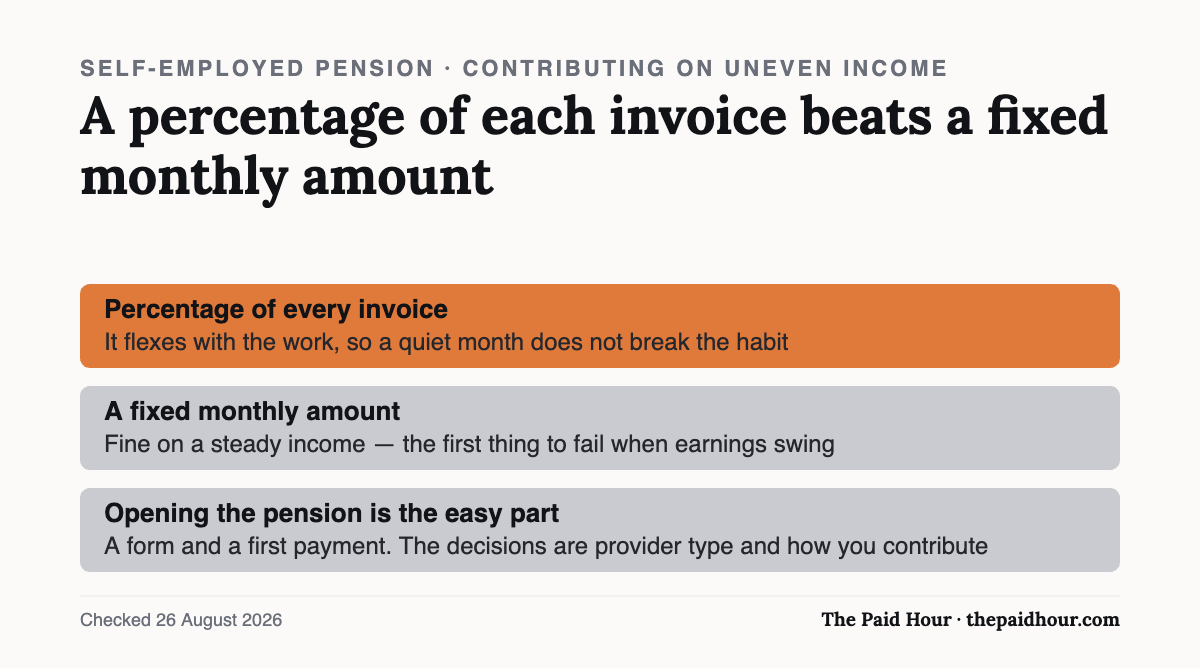
What matters here: Opening a self-employed pension is a form and a first payment; the real decisions are which provider type fits and how to contribute on an uneven income. Percentage-of-invoice beats a fixed monthly amount when earnings swing. This walks the steps; the background and tax relief live in the companion guide.
Deciding to set up a pension when self-employed is the easy part. Self-employed people don’t get auto-enrolled into a pension, so sorting one out is on you. This is the practical part: the actual steps to open one, what to compare, and how to structure contributions when your income isn’t a fixed monthly salary.
For the background on why this is on you, what pension types exist, and the tax relief and National Insurance numbers, see our other guide: Pensions When You’re Self-Employed. This post picks up from “I’ve decided to act” and walks through the how-to.
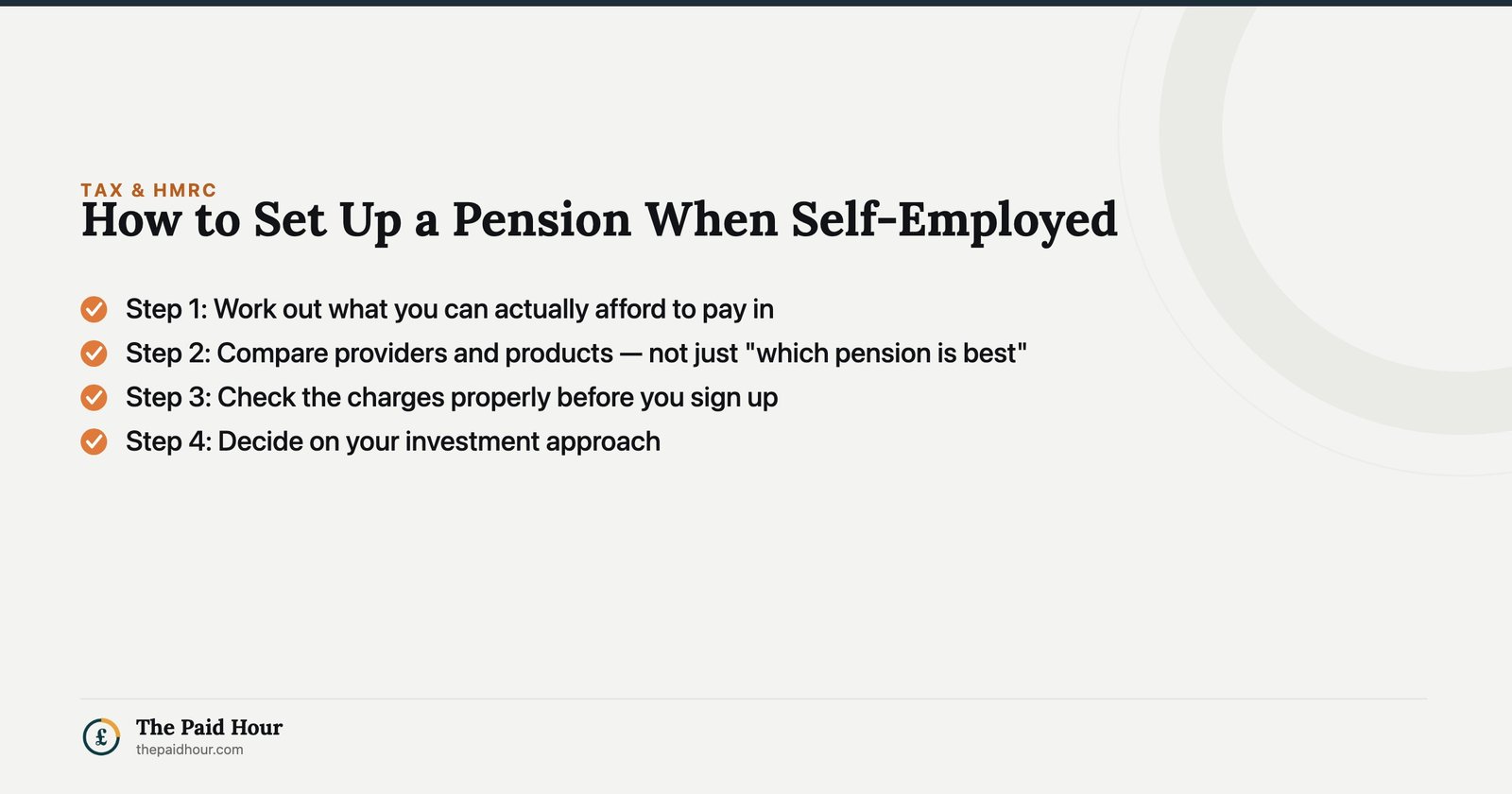
Step 1: Work out what you can afford to pay in
Before comparing a single provider, MoneyHelper’s guidance on starting a pension yourself points you toward using a pension calculator to get a rough contribution figure and target, rather than picking a number at random (MoneyHelper, How to start your own pension). With variable self-employed income, this is a “roughly, over a year” figure rather than a fixed monthly commitment, which matters for the next steps.
Step 2: Compare providers and products, not just “which pension is best”
There’s no single ranked list to work from. MoneyHelper is explicit that whole-of-market comparison sites for personal pensions don’t really exist, so you’ll typically need to search out and compare providers yourself. When you do, it recommends checking:
- fees and charges
- minimum and maximum contribution limits
- any penalties for starting or stopping contributions
- the investment options available
- how you’ll be able to take money out at retirement
- opening hours and quality of customer support
- reviews from existing customers
(Source: MoneyHelper. How to start your own pension)
We’re not naming or ranking specific providers here, that comparison is personal to your contribution pattern and how hands-on you want to be.
Step 3: Check the charges properly before you sign up
Charges compound over decades, so it’s worth understanding what you’re being charged for. MoneyHelper’s breakdown of pension scheme charges lists the main categories: an annual management charge (AMC) or “ongoing charge figure” covering the cost of managing and investing your money, plus possible platform, administration or service charges, transaction and fund-switching fees, and one-off charges such as exit or transfer fees if you move your pension later (MoneyHelper: Pension scheme fees and charges). Ask any provider you’re considering to state these clearly before you commit.
Step 4: Decide on your investment approach
Most personal pensions offer a default, ready-made fund alongside a wider range you can choose yourself. How much choice you want, and how comfortable you are picking funds versus using a default — is one of the comparison points MoneyHelper lists in Step 2 above, and it’s worth deciding this before you’re mid-application instead of during it.
Step 5: Check the provider is regulated, then open the account
Before signing up, MoneyHelper advises checking the provider is regulated by the Financial Conduct Authority, which you can do using the FCA’s Firm Checker. Sign-up is usually done online or over the phone, and you’ll normally have at least 30 days afterwards to change your mind if you decide it isn’t right (MoneyHelper, How to start your own pension).
Step 6: Set up contributions that fit irregular income
This is the part that’s different for the self-employed. MoneyHelper notes that many pension providers let you choose how much you pay in and how often (for example a regular monthly amount, one-off payments as and when you want, or a combination of both (MoneyHelper), A guide to pensions if you’re self-employed). If your income swings month to month, a smaller “always affordable” regular amount (the same logic as budgeting on an irregular income), topped up with lump sums after a good invoice or a strong quarter is a practical way to use that flexibility, rather than committing to a fixed sum you might struggle to keep up.
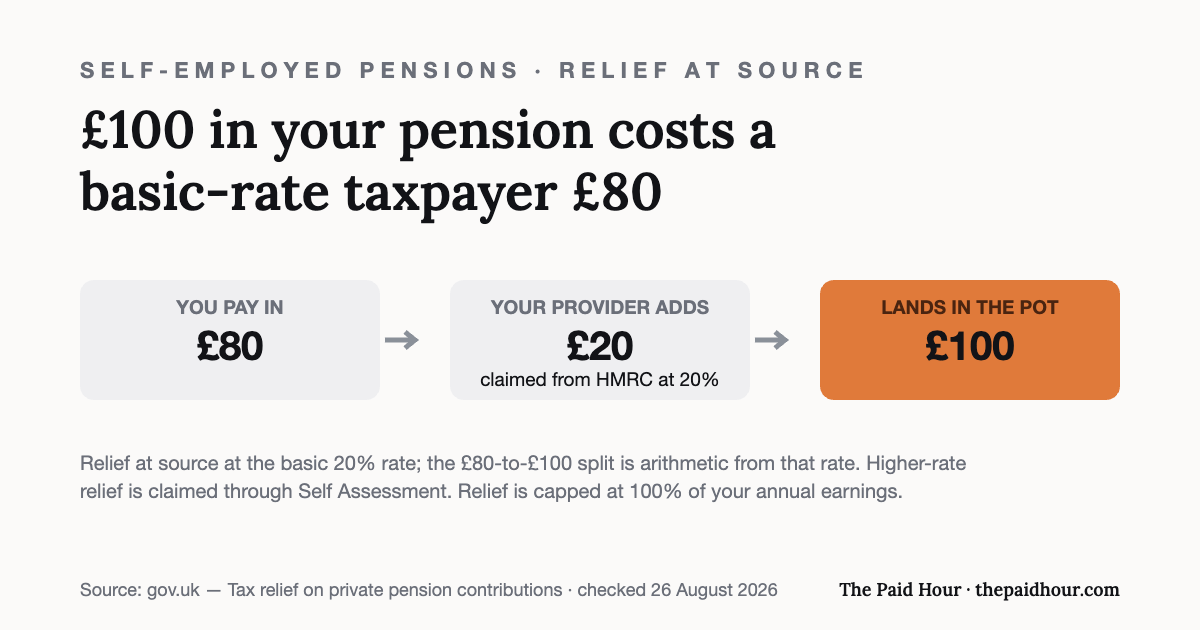
Step 7: Claim the tax relief you’re due
Basic-rate tax relief is normally added automatically by the provider. If you pay tax at the higher or additional rate, you need to claim the extra relief yourself. For the self-employed, that’s typically done through the Self Assessment return you’re filing anyway. We’ve covered the exact rates, thresholds and annual allowance figure in detail in Pensions When You’re Self-Employed, so we won’t repeat the numbers here.
Step 8: Review it at least once a year
MoneyHelper’s guidance closes with a simple point: only sign up once you’re happy you understand what you’re getting, and review your pension periodically rather than leaving it untouched. For the self-employed, an annual review alongside your tax return is a natural time to revisit contribution levels against how the year actually went.
What about NEST?
MoneyHelper’s self-employed pensions guide mentions the government-backed NEST (National Employment Savings Trust) as one of the options self-employed people can consider (MoneyHelper, A guide to pensions if you’re self-employed). Flag: MoneyHelper’s page doesn’t set out NEST’s specific self-employed sign-up process in the detail this article otherwise verifies against, so we haven’t described those steps here: check NEST’s own website directly for its current self-employed joining process before assuming any particular steps.
Disclaimer
This is general guidance on the process instead of personalised financial advice, and it isn’t a recommendation of any specific pension provider or product. What suits you depends on your income pattern, existing pensions and goals. For guidance matched to your situation, use MoneyHelper’s free pensions guidance service or speak to a regulated financial adviser.
State Pension forecast showing gaps?
Pension & Safety Net for the Self-Employed 2026/27. Eight modules and four working sheets that turn “I should sort my pension out” into a plan you can finish in an afternoon, with the tax relief doing a third of the work.
- Your State Pension forecast, qualifying years, and when voluntary Class 2 is worth paying and when it buys nothing
- The Self Assessment step that recovers higher-rate relief, which most people never claim
- Sick pay, income protection and critical illness: what each actually pays, and the underwriting traps for the self-employed
There is no statutory sick pay for the self-employed at all. Higher-rate pension relief is not automatic either. Both are fixable in an afternoon, and both are still costing most freelancers money.
Buying more than one? All ten 2026/27 courses for £107, against £328 at full price.
Sources
- MoneyHelper, How to start your own pension
- MoneyHelper, A guide to pensions if you’re self-employed
- MoneyHelper, Pension scheme fees and charges
- gov.uk: Tax on your private pension contributions: Tax relief
Relief-at-source mechanics re-checked against gov.uk on 26 August 2026; the £80-to-£100 figures are arithmetic from the basic 20% rate.
This is general information, not financial advice. Pricing and terms are the provider’s own and change, check the linked pages before you rely on them.