
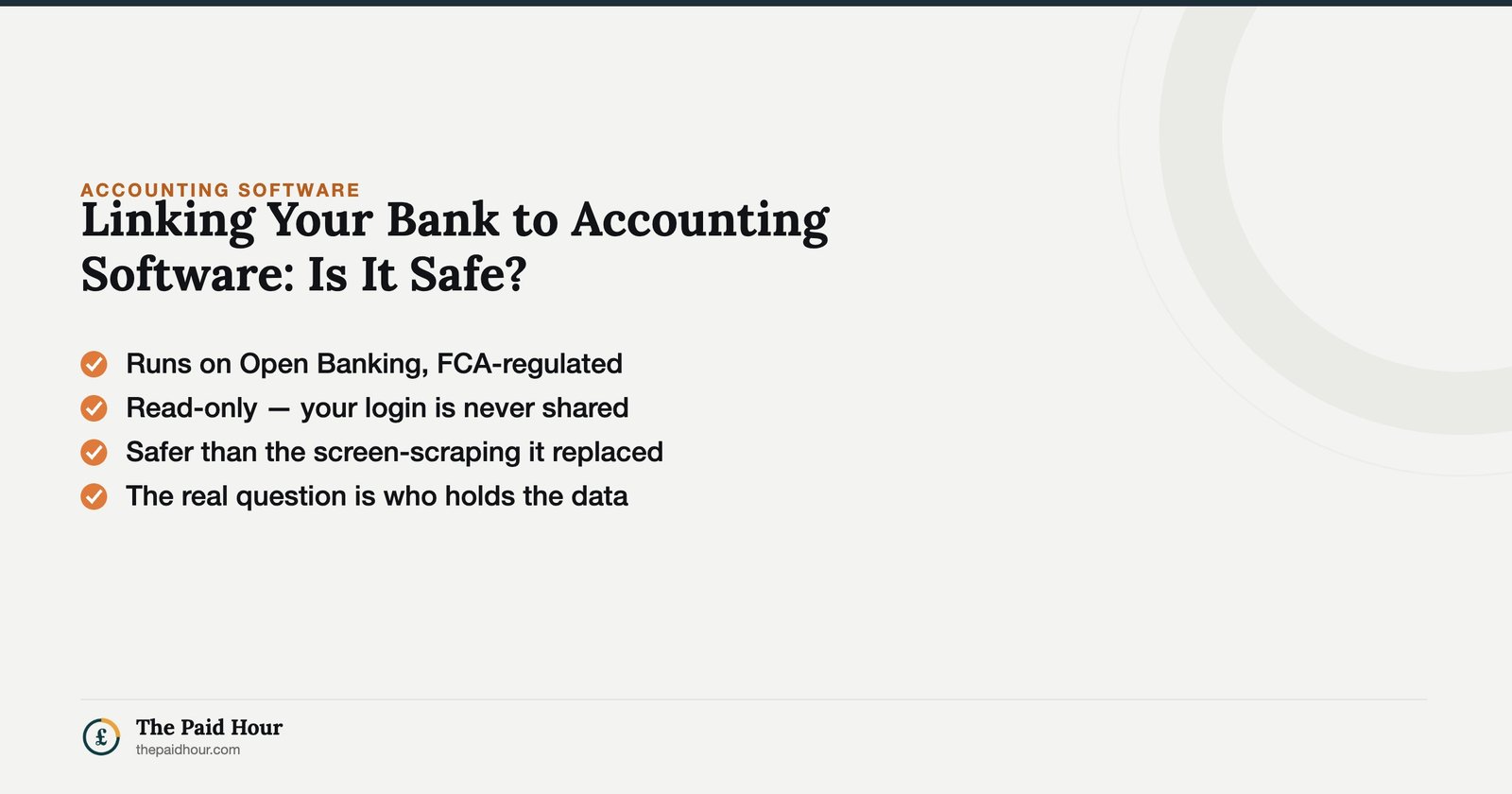
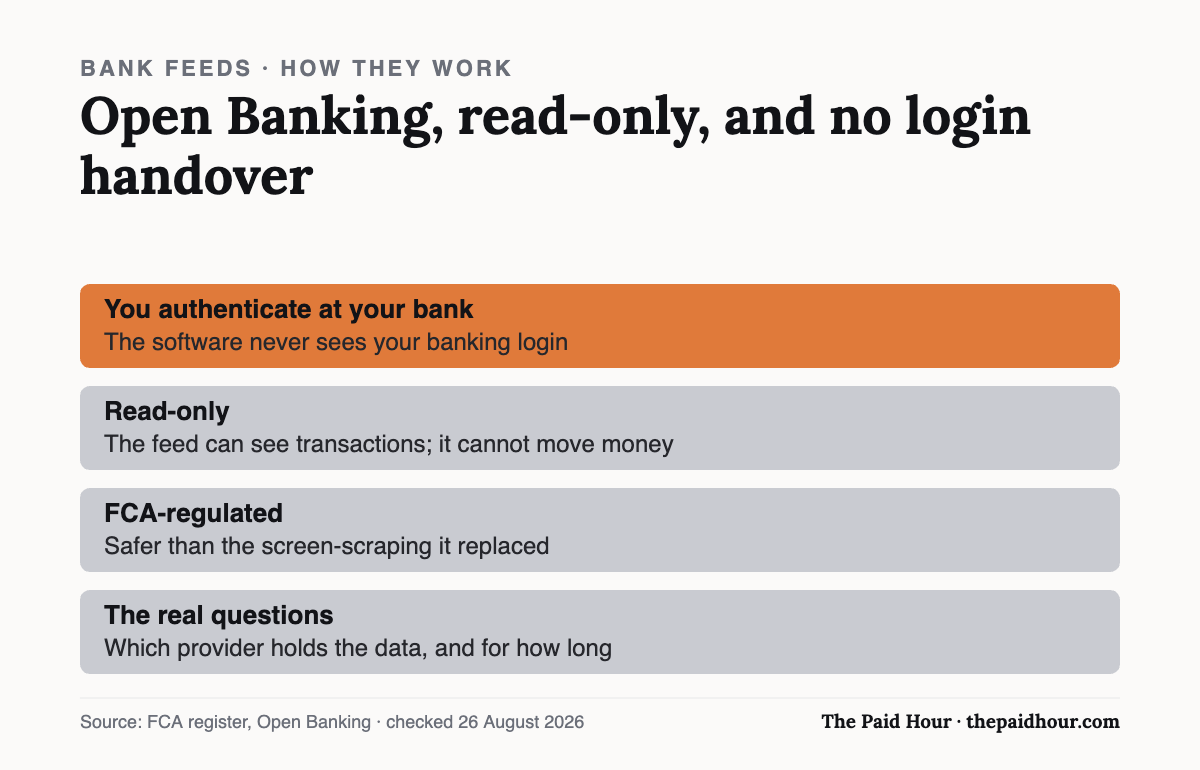
Before you read on: Connecting your bank to accounting software runs through Open Banking, which is FCA-regulated, read-only, and never hands over your login. It is materially safer than the screen-scraping it replaced. The real questions are which provider holds the data, and for how long.
Table of Contents
Two minutes. That’s roughly how long it takes to connect your business bank account to most accounting software, and it’s also about how long most sole traders spend thinking about whether linking your bank account this way is safe before they click through and do it anyway.
It’s a question worth answering rather than just trusting the software’s own marketing on the subject, because “safe” isn’t a single fact, it depends on who built the connection, what permission it actually asks for, and what happens on your end of it afterwards.
It’s a fair question. You’re handing a third-party app a live feed of every transaction on your business account. Linking your bank account to accounting software isn’t the same thing as handing over your online banking password, but it’s worth understanding why before you take that on faith.
Why accounting software wants the connection in the first place
Before getting into the security side, it’s worth being clear about what linking your bank account buys you. Without it, every transaction has to be entered or imported manually, a genuine chore once you’re doing more than a handful of transactions a month, and one of the more common reasons people abandon bookkeeping software within the first few weeks. With the feed connected, transactions typically show up automatically within a day, ready to be categorised and matched against invoices, which is most of what makes cloud accounting software actually save time rather than just digitising a spreadsheet.
What happens when linking your bank account
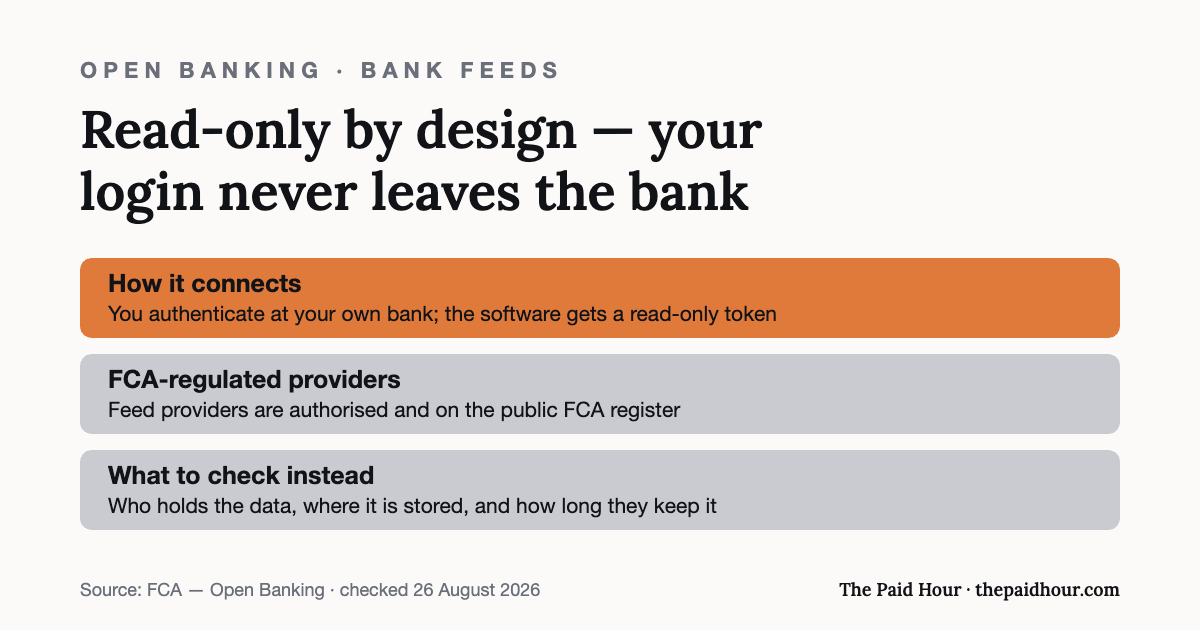
Here’s what linking your bank account technically involves. Almost every mainstream UK accounting package (Xero, QuickBooks, FreeAgent, Sage and the rest), connects to your bank through Open Banking instead of the older method of screen scraping, where an app would log into your online banking using your actual username and password on your behalf. Open Banking replaced that with a regulated, token-based connection: you authenticate directly with your bank, your bank issues a secure token to the accounting software, and the software never sees your banking password at all.
That distinction matters more than most explanations make clear. With screen scraping, a breach of the third-party app could theoretically expose your actual banking credentials. With Open Banking, there are no credentials for the accounting software to expose, because it was never given them in the first place.
Read-only access, the part that matters
The permission your accounting software gets when you’re linking your bank account for transaction feeds is called Account Information Services, or AIS. It’s read-only. The software can see your transactions, balances and account details to automatically pull them into your books: it cannot move money, set up payments, or make any change to your account. That’s a fundamentally different, much narrower permission than Payment Initiation Services, which is what letting an app actually pay a bill on your behalf would require, and accounting software bank feeds almost never use it.
Providers offering this kind of access have to be authorised or registered with the Financial Conduct Authority under the Payment Services Regulations 2017 and comply with Open Banking’s technical standards to be part of the regulated ecosystem at all. You can check any provider directly on the FCA register before linking your bank account to anything you’re not already confident about.
Strong Customer Authentication and the 90-day check-in
The moment of linking your bank account requires Strong Customer Authentication — proving it’s really you through at least two of three factors: something you know (a password or PIN), something you have (your phone or a card reader), and something you are (a fingerprint or face scan). Your bank handles this step directly; the accounting software isn’t involved in verifying your identity at all.
UK Open Banking connections also require re-authentication roughly every 90 days, you’ll periodically be asked to log back in through your bank to confirm you still want the accounting software connected. It’s not a bug or a sign something’s wrong when this happens; it’s a built-in safeguard so that access can’t just run indefinitely without you actively confirming it’s still wanted. Ignore the prompt and the connection simply stops working until you reconnect.
Two examples that show what this looks like in practice
Priti runs a small design business and connected her Starling business account to her accounting software through the bank’s own Open Banking menu, authenticating with her banking app’s fingerprint login. She never entered a password anywhere on the accounting software’s site, the whole handshake happened inside her banking app. When the 90-day prompt appeared three months later, she tapped through it in under a minute and the feed kept running.
Owen, less comfortable with the idea, spent an afternoon manually uploading bank statement CSV files instead of linking his bank account directly. That’s a completely valid choice too, it avoids any live connection entirely, at the cost of doing the import by hand every month rather than transactions appearing automatically. Neither approach is wrong; they’re different trade-offs between convenience and being hands-on with the process.
What could go wrong when linking your bank
The realistic risk isn’t the Open Banking connection itself, it’s the same risk that applies to any online account: a weak or reused password on your accounting software login, no two-factor authentication turned on for that login, or falling for a phishing email pretending to be your accounting provider. Securing linking your bank account properly means securing the account it feeds into, not just the connection.
It’s also worth checking exactly what data-sharing permission you’re granting the first time you connect: most software asks you to confirm the scope (read transactions, balances) before completing the link, and it’s worth reading that screen rather than clicking through it on autopilot.
What data gets stored when linking your bank, and for how long
There’s a second question separate from whether linking your bank account is safe at the point of connection: what happens to the data afterwards. The accounting software pulls in transaction descriptions, amounts, dates and running balances, and stores that data on its own servers so it can build your books, reports and Self Assessment figures over time, it isn’t just a live pass-through that disappears when you close the tab.
That data is covered by UK GDPR the same as any other personal or business data a company holds about you, which means the provider has to be able to say what it collects, why, and for how long, and you’re entitled to request a copy of it or ask what’s held. If you hold client data yourself instead of just handing it to a provider, you may owe the ICO a data protection fee of your own.
Worth checking, if you’re weighing up a provider you’re not already familiar with: whether they’re UK or EU based for data protection purposes, and what their retention policy says happens to your data if you cancel. None of that is really about the Open Banking connection itself, it’s the ordinary due diligence worth doing before trusting any company with financial records, accounting software included.
Mistakes that undermine an otherwise secure setup
The mistakes worth avoiding here have almost nothing to do with linking your bank account itself and everything to do with the account it feeds into. Reusing your accounting software password anywhere else is the big one, if that password leaks from an unrelated breach and you’ve reused it, someone could get into the software account even though linking your bank account itself was never compromised. Turn on two-factor authentication for the accounting software account specifically; most mainstream providers offer it, and it’s usually a five-minute setup.
Another mistake is connecting a bank feed through a link in an email rather than going directly to your accounting software or your bank’s own app. Phishing attempts targeting Open Banking connections tend to imitate the reconnection prompt specifically, since people expect to see it periodically and click through without checking. When in doubt, open the accounting software directly in a browser tab you typed yourself, rather than following a link.
Business accounts vs personal accounts on the same feed
Sole traders who haven’t opened a dedicated business account sometimes end up linking your bank account when it’s actually a personal account carrying both business and personal spending. Open Banking doesn’t care which type of account it’s connecting to, the security mechanics are identical either way.
But mixing the two makes categorising transactions harder and increases the chance of an expense being claimed, or overlooked, incorrectly. It’s not a security issue so much as a bookkeeping one, but it’s worth mentioning here because it’s the single biggest thing that makes an otherwise well-secured connection less useful in practice.
If you’re running a personal account through your accounting software for this reason, a separate business account is worth prioritising before anything else in this guide, not because the bank feed connection is any less safe, but because a clean, business-only feed is what makes linking your bank account worth doing at all.
Quick answers to the questions people ask
Can my accounting software move money out of my account? Not through the standard bank feed connection. That’s Account Information Services, which is read-only. Moving money would require a separate Payment Initiation Services permission that accounting software generally doesn’t request or use for this purpose.
What happens if the accounting software gets hacked? An attacker could potentially see your transaction history and balances if they got into your account, the same data a bank statement shows. They couldn’t move money through that access, because the connection itself doesn’t have that permission, regardless of what happens to the software account layered on top of it.
Is linking my bank account faster than manual CSV imports? Considerably, transactions typically appear within a day instead of needing a monthly manual upload, which is the main reason most sole traders do connect it once they understand what permission they’re actually granting.
Can I revoke access later? Yes, at any time, usually from within your online banking rather than the accounting software itself: most banks have a section listing connected third parties where access can be removed instantly, separate from waiting for the 90-day prompt.
Does linking your bank account cost anything extra? No — Open Banking connections are included as standard in mainstream UK accounting software, whether you’re on a free tier or a paid plan. It’s built into how the software is meant to work rather than an optional add-on with its own charge.
What if my bank isn’t on the list when I try to connect? Coverage is very broad among mainstream UK banks and building societies, but smaller or newer providers occasionally aren’t yet supported. If that happens, manual CSV import is the fallback, and it’s worth checking your bank’s own list of supported Open Banking connections directly if you’re unsure.
How this compares to the way banking security worked before Open Banking
It’s easy to assume anything involving a third-party app and your bank details is inherently riskier than doing everything manually, but the pre-Open Banking alternative wasn’t safer. Before regulated APIs existed, “connecting” a budgeting or accounting tool to your bank commonly meant typing your real online banking username and password into that tool’s own login form, which then logged in as you behind the scenes to scrape your transaction data.
That approach had no equivalent of read-only permissions, no FCA authorisation requirement, and no 90-day check that you still wanted the access, it was closer to handing someone your login and hoping they only looked at what they said they would.
Open Banking was built specifically to replace that model, under regulation instead of as a voluntary industry improvement. Understood that way, linking your bank account through a modern, regulated connection is a genuine security upgrade over how this worked a decade ago rather than a new risk introduced by moving bookkeeping online.
What to check before linking your bank
Before linking your bank account to anything new, confirm the accounting software provider appears on the FCA register, use a strong unique password with two-factor authentication turned on for the accounting software account itself, and always initiate the connection from the software or your banking app directly rather than an email link. Do that, and linking your bank account is one of the more secure things you’ll do online that day. Considerably more secure than emailing a bank statement PDF to an accountant, which plenty of freelancers do without a second thought.
If you’re still deciding which package to use in the first place, our guides to free accounting software options and FreeAgent both touch on how their bank feeds work as part of the wider review, not just security in isolation.
MTD quarters coming and the books are a shoebox?
Digital Bookkeeping System (MTD-ready) 2026/27. Seven modules and a seven-sheet toolkit, built around a category-to-tax-box mapping table that makes your quarterly updates fill themselves.
- A software decision sheet costed over three years, split by turnover, VAT status and phone-or-desktop
- The chart of categories mapped to the Self Assessment and MTD boxes, and the three categories never to auto-categorise
- Weekly and month-end cards, an MTD quarter-close checklist, and an export-and-archive index so their cloud is never your only copy
Software is priced monthly, excluding VAT, and you will hold the subscription for years. Pick on the wrong number and the difference over three years is more than every course on this site combined.
Buying more than one? All ten 2026/27 courses for £107, against £328 at full price.
Sources
This is general information, not financial advice. Pricing and terms are the provider’s own and change, check the linked pages before you rely on them.