
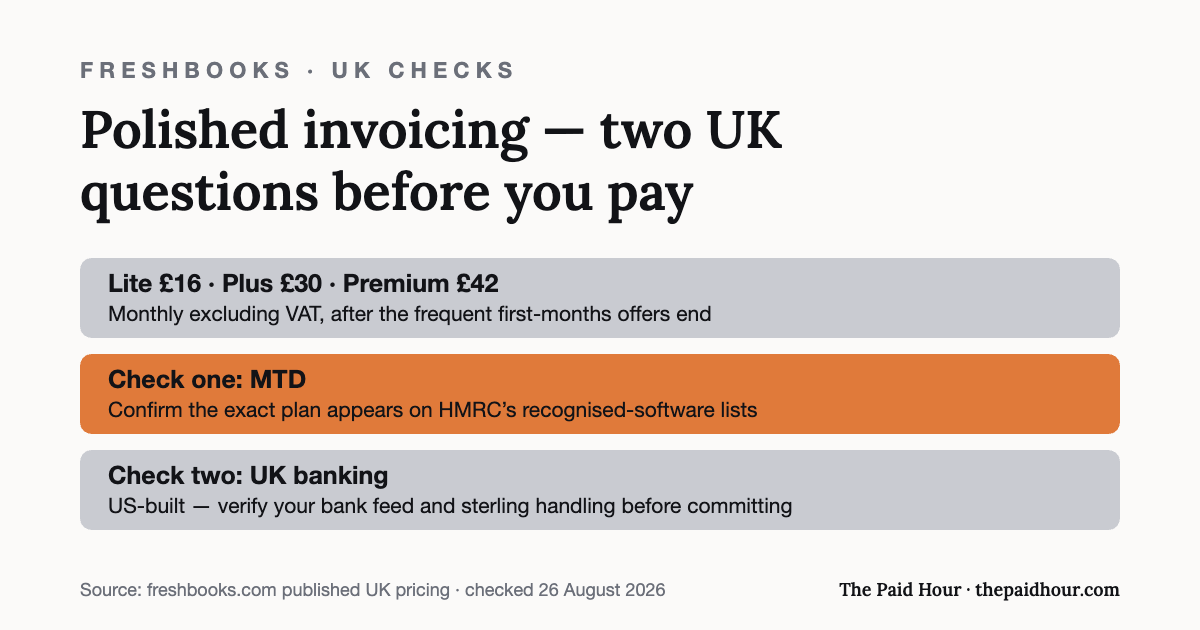
FreshBooks is one of the most-recommended invoicing tools for freelancers anywhere, mostly on the strength of its client-facing polish. It is a US-built product, though, and a UK sole trader has two things to check before assuming it slots in like UK-native software: what it costs once the introductory discount ends, and exactly which parts of Making Tax Digital it claims to handle.
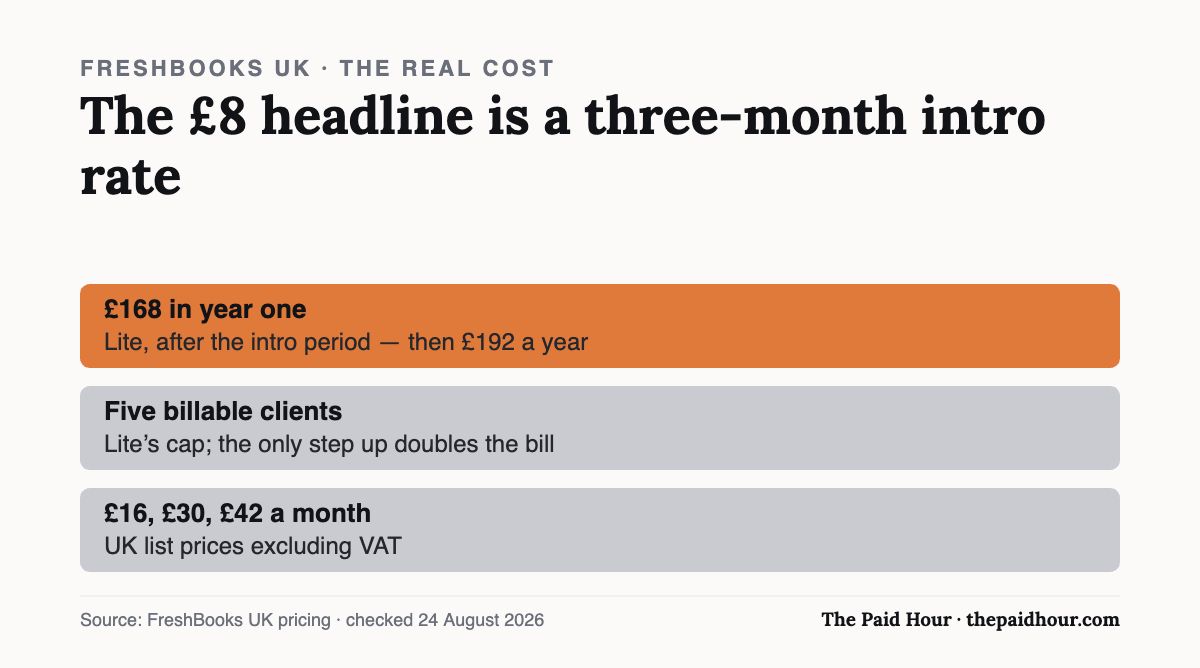
The short version: FreshBooks bills in pounds and starts at £8 a month, but that is a three-month intro rate. Lite really costs £168 in year one and £192 after that, and it caps you at five billable clients, after which the only step up doubles the bill. Its own pricing page claims MTD-compliant VAT submission on every plan; it makes no equivalent claim for MTD for Income Tax, so check HMRC’s software finder if that regime applies to you.
Table of Contents
Current plans
FreshBooks bills UK customers in pounds through its own UK pricing page, so there is no dollar-to-sterling card conversion to budget for. Every plan below includes one user; extra users are £8 a month each, on every tier.
| Plan | First 3 months | Standard price | Billable clients |
|---|---|---|---|
| Lite | £8/mo | £16/mo | 5 |
| Plus | £15/mo | £30/mo | 50 |
| Premium | £21/mo | £42/mo | Unlimited |
| Select | Custom | Custom | Unlimited, 2 users included |
The headline prices are a 50% introductory discount that runs for three months. There is a 30-day money-back guarantee. The pricing page does not state whether these figures include or exclude VAT, which is worth establishing before you commit.
What it really costs once the discount ends
The £8 and £15 figures are what most reviews quote. They are not what you pay. Three discounted months followed by nine at the standard rate gives a genuine first-year cost of:
| Plan | Year one | Every year after |
|---|---|---|
| Lite | £168 | £192 |
| Plus | £315 | £360 |
| Premium | £441 | £504 |
Add a second user and every one of those figures rises by £96 a year. For a sole trader that is usually irrelevant; for anyone who wants a bookkeeper in the file, it is another £96 before anything else.
The cap that bites is five billable clients on Lite. A billable client is not an invoice, it is a client record you invoice at all. Take on a sixth and the only route is Plus, which is not a step from £16 to £20; it is a step from £16 to £30 a month, or £192 to £360 a year. That jump, not the headline price, is the number to plan around, and it is why Lite suits retainer freelancers with a handful of long-running clients far better than project workers with a churn of small ones.
What it’s good at
FreshBooks earns its reputation on the client-facing side. Invoices and estimates look polished with almost no setup, proposals can be sent and signed off inside the platform, and time tracking is built in for anyone billing hourly rather than by project. Card, Apple Pay and Google Pay acceptance is on every tier, including Lite.
For a freelancer whose clients judge professionalism partly by how the paperwork looks, that is a real benefit instead of a cosmetic one. Not every accounting tool treats invoice design as something worth engineering, and it shows.
Making Tax Digital: what is and isn’t claimed
This is where a UK sole trader has to read carefully, because the two Making Tax Digital regimes are different things and vendors are not always precise about which one they mean.
MTD for VAT: FreshBooks’ own UK pricing page states that every plan can “Submit MTD-compliant VAT returns directly to HMRC”. That claim is on the provider’s own page and applies across the tiers.
MTD for Income Tax: we found no equivalent claim on FreshBooks’ UK pricing page. Since 6 April 2026, sole traders and landlords with qualifying income above £50,000 have had to keep digital records and file quarterly updates under MTD for Income Tax, with the threshold dropping to £30,000 in April 2027 and £20,000 in April 2028.
If that regime already applies to you, or is about to, check HMRC’s own software finder for FreshBooks before you build a year of records in it, and treat the absence of a claim as a question to ask FreshBooks, not as a settled answer either way. Our guide to HMRC-recognised MTD software and the MTD for Income Tax explainer cover what the requirement actually involves.
Is FreshBooks right for UK freelancers?
It suits you if invoicing and client experience are the job you are hiring software to do, particularly if you bill hourly, work with international clients, or send proposals as part of winning work. On that ground it is good, and the UK pricing removes the currency friction that used to count against it.
It suits you less if UK tax compliance is the reason you are buying software at all. Zoho Books’ free plan files an SA100 straight to HMRC at £0 a year, and the UK-native options in our accounting software comparison are built around HMRC’s calendar rather than adapted to it. Sage is worth a look on the same grounds.
The honest verdict
FreshBooks is an invoicing and client-management tool that also does your books rather than a UK tax tool that also sends invoices. Judged as the former it is very good, and £192 a year for Lite is a reasonable price for paperwork that makes you look like a business instead of a person with a spreadsheet.
Judged as the latter it is harder to recommend to a UK sole trader without checking the MTD for Income Tax position first. The practical advice: if you bill internationally or your invoices are part of how you sell, trial it on the 30-day guarantee. If you are buying software mainly to survive Self Assessment and quarterly updates, start with a UK-native option and come back to FreshBooks if the invoicing is what you end up missing.
Still writing every document from scratch?
Freelance Ops Playbook. Ten modules and eighteen templates: the rate floor calculation, a pipeline that rejects bad clients early, the twelve-clause contract, onboarding, change orders and a Friday rhythm that holds it together.
- The rate floor calculator, which most people find puts their current rate below cost
- The twelve-clause contract, including the revisions sentence that quietly earns more than any other
- Enquiry log with live pipeline value, thirteen-week cash forecast, three-option proposal, change order, welcome pack
One under-scoped project, or one client who “just needs a couple more rounds”, costs more than this playbook several times over. The templates exist so that never happens again.
Buying more than one? The Complete Freelancer System, all five for £87, against £215 at full price.
How this review was put together. This is a documentation-based review. The figures come from FreshBooks’s own published pricing and help pages and, where relevant, HMRC’s software lists, checked on the date shown at the end of the article. It does not rest on a paid account or on running the product with live client data, and where a point comes from the provider’s marketing rather than something independently checkable, the text says so.
Sources
- FreshBooks. UK pricing, plan limits, client caps and extra-user cost
- HMRC, find software compatible with Making Tax Digital for Income Tax
- HMRC: Making Tax Digital for Income Tax
Prices, client caps and the introductory discount checked 24 August 2026 on FreshBooks’ own UK pricing page, which does not state VAT treatment. Year-one totals are calculated from those published prices. The MTD for VAT claim is FreshBooks’ own; no MTD for Income Tax claim was found on that page, which is not the same as confirming it is unsupported, check HMRC’s software finder. This is general information, not tax advice.